
AI Agents for Home Services
AvaritCall gives plumbing, HVAC, electrical and home maintenance companies AI voice agents that answer incoming calls and make follow-up calls to customers. While your technicians are out on a job, the agent takes down the service request, books a visit in an open slot and tells the customer what happens next.

Sample call
- Caller
- Water is leaking under my kitchen sink. Can a plumber come today?
- AI agent
- Your ZIP code is in our service area, and I can book a plumber between 2 and 4 PM today. Does that work?
- Caller
- Yes. Please use the front door, the dog is out back.
- AI agent
- You're booked for 2 to 4 PM, and I've added that note for the plumber.
Plumber Visit Booked
- Job
- Leak under the kitchen sink
- Service area
- ZIP 30318, covered
- Visit
- Today, 2 to 4 PM
- Access note
- Front door, dog in the backyard
Next step: Plumber sees the job and the access note before the visit
Hear How AI Handles Calls From the First Request to the Service Visit
Pick a scenario to read the call. Each one shows the request, how the call ends and what your office team does next.
Inbound call
HVAC Maintenance Booking
Result
Service Visit Booked
- Customer
- Alex Moreno
- Job
- Furnace tune-up
- Service area
- ZIP 80220, covered
- Visit
- Thursday, 8 to 10 AM
Next step: Visit shows on Thursday's schedule for the HVAC team
The calls, customers and work orders are made up. Each company sets its service area, the jobs that can be booked by phone and when a call goes to staff.
Outbound call
Plumbing Estimate Follow-Up
Result
Estimate Callback Requested
- Customer
- Jordan Lee
- Estimate
- Water heater installation
- Question
- Is removal of the old unit included?
- Callback
- Tomorrow after 4 PM
Next step: Estimate team calls back with the answer
The calls, customers and work orders are made up. Each company sets its service area, the jobs that can be booked by phone and when a call goes to staff.
Inbound call
Appointment Window Update
Result
Arrival Window Shared
- Job
- AC repair
- Arrival window
- Today, 1 to 3 PM
- Source
- Connected work order
- Customer
- Home by 1 PM
Next step: No action needed from the office
The calls, customers and work orders are made up. Each company sets its service area, the jobs that can be booked by phone and when a call goes to staff.
Handle Customer Calls Before, During, and After a Service Job
New Service Requests and Service Area Checks
The agent takes the service address, the job the customer needs and any access details for the visit. It checks the request against the areas you cover and the services you offer.
Electrician answering serviceService Visit Booking and Changes
Routine maintenance and service visits are booked into open slots in your connected calendar, and the customer hears the confirmed time. New visits or changes that need your team's approval are saved with the customer's preferred time.
AI appointment schedulingWeb Inquiry and Estimate Follow-Ups
Customers who asked for an estimate or a site visit on your website get a call back. On open estimates, any extra question or request for a visit is saved and passed to the right team.
Dispatch and After-Hours Routing
After-hours calls and the job types you mark as priority go to the on-call team with the reason for the call and the location. If nobody answers, the fallback number you set rings or a callback request is saved.
AI dispatch serviceTechnician Arrival and Job Status Questions
Questions about the arrival window or the state of a job are answered from the current record in your connected system. When there's no current visit information, the request goes to your field coordination team.
Post-Service and Payment Follow-Ups
After a finished visit, a short call can ask how it went, and a customer who wants the work looked at again is passed to the service team. Reminders for open invoices run as a separate flow, using the balance and due date you provide.
Set Call Rules by Service Type, Location, and Business Hours
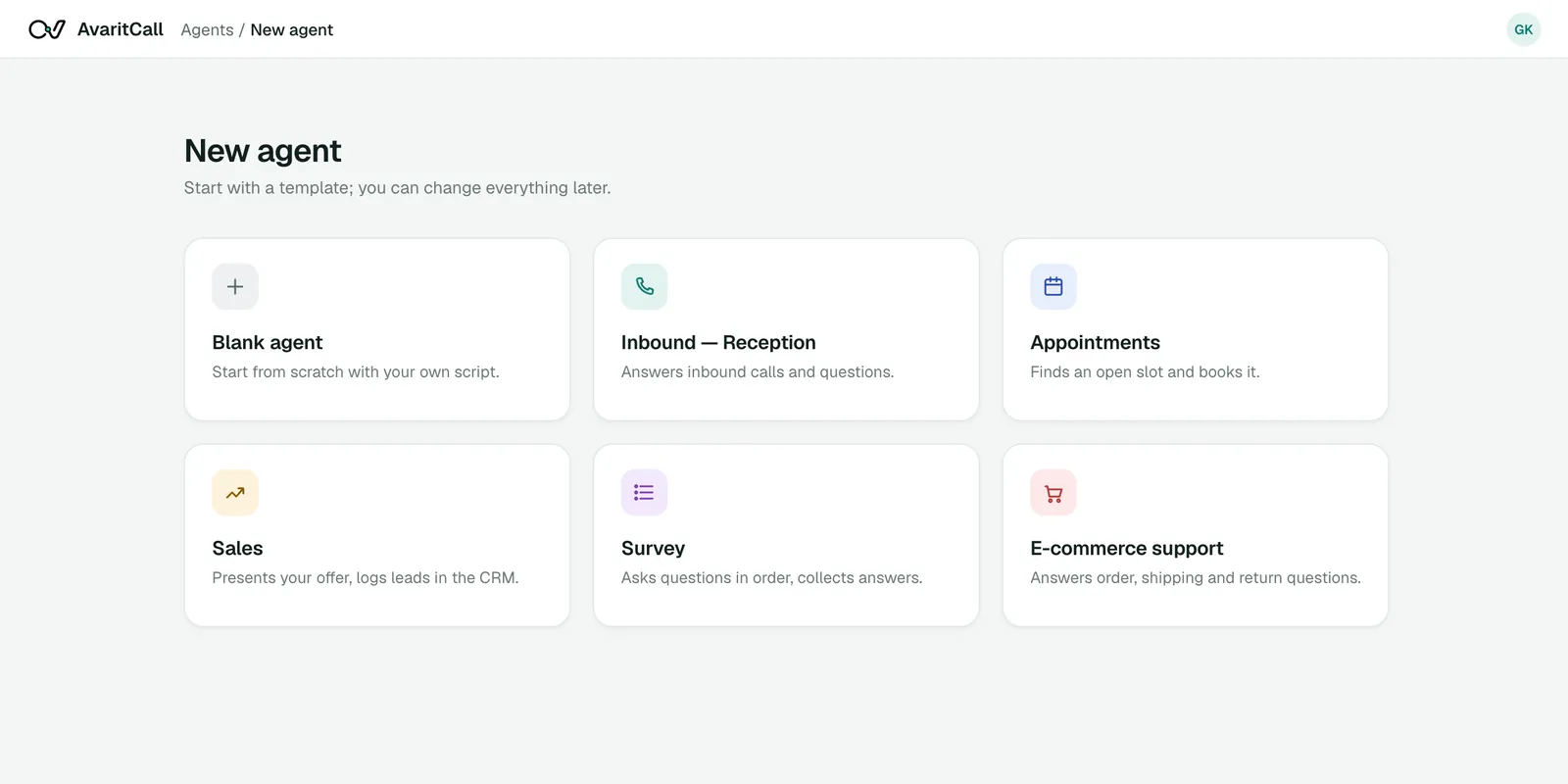
Build
Build a Flow for Each Service
For each service you offer, choose what the agent asks, the areas you cover, the jobs it can book and when it transfers to your team.
- Questions asked for each job type
- Service areas by ZIP code or city
- Job types open to booking by phone
- Transfer rules for the office and the on-call team
Deploy
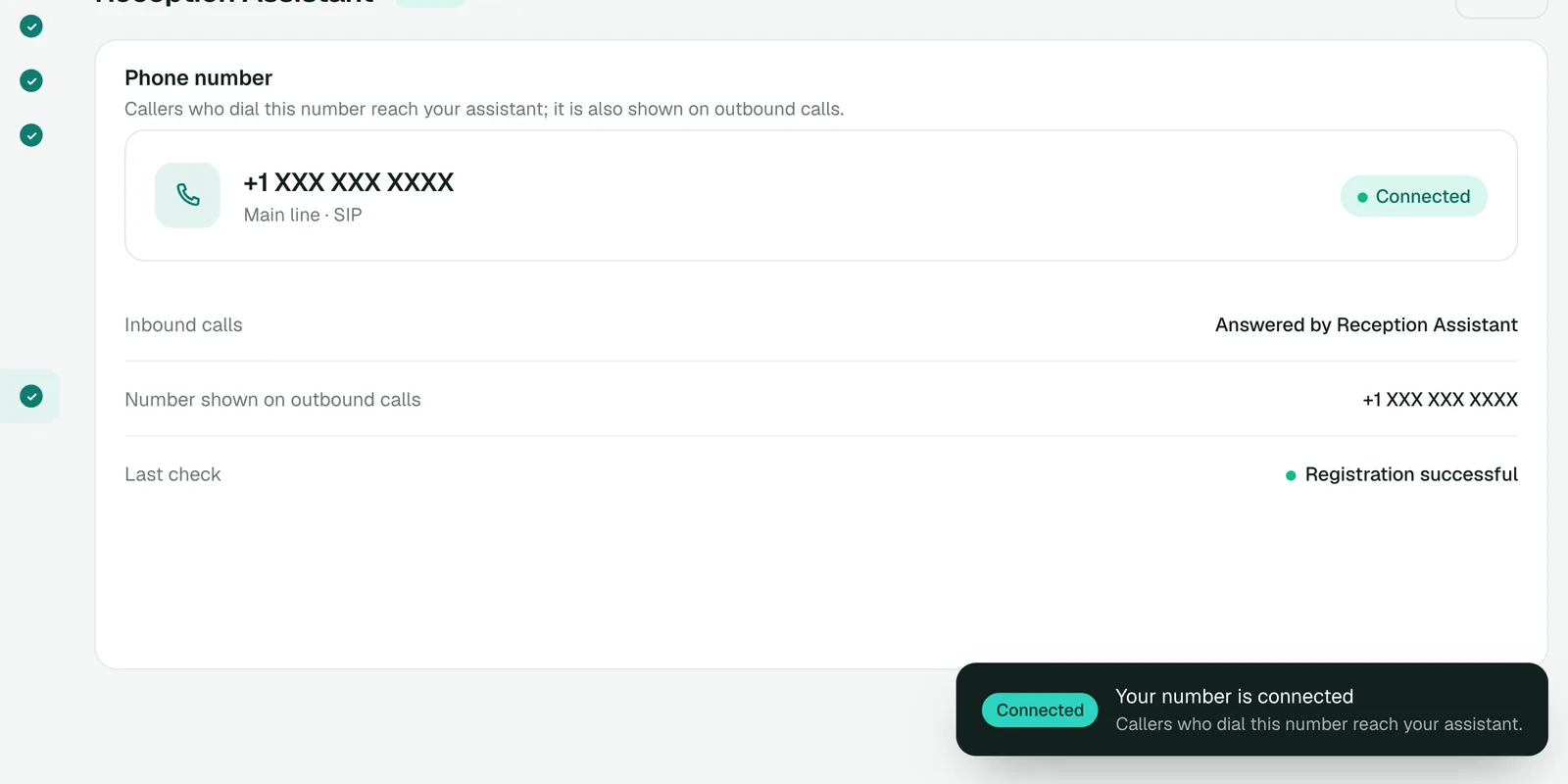
Cover Office Hours, Busy Lines, and Nights
Your phone system decides whether calls reach the agent during office hours, when the line is busy or after hours. Web form and estimate follow-ups run as outbound lists with their own calling hours and retries.
- Service line connected over SIP
- All calls, busy-line overflow or after-hours calls
- Calling days, hours and time zone for follow-up lists
- A retry count from 0 to 5 and the gap between attempts
Monitor
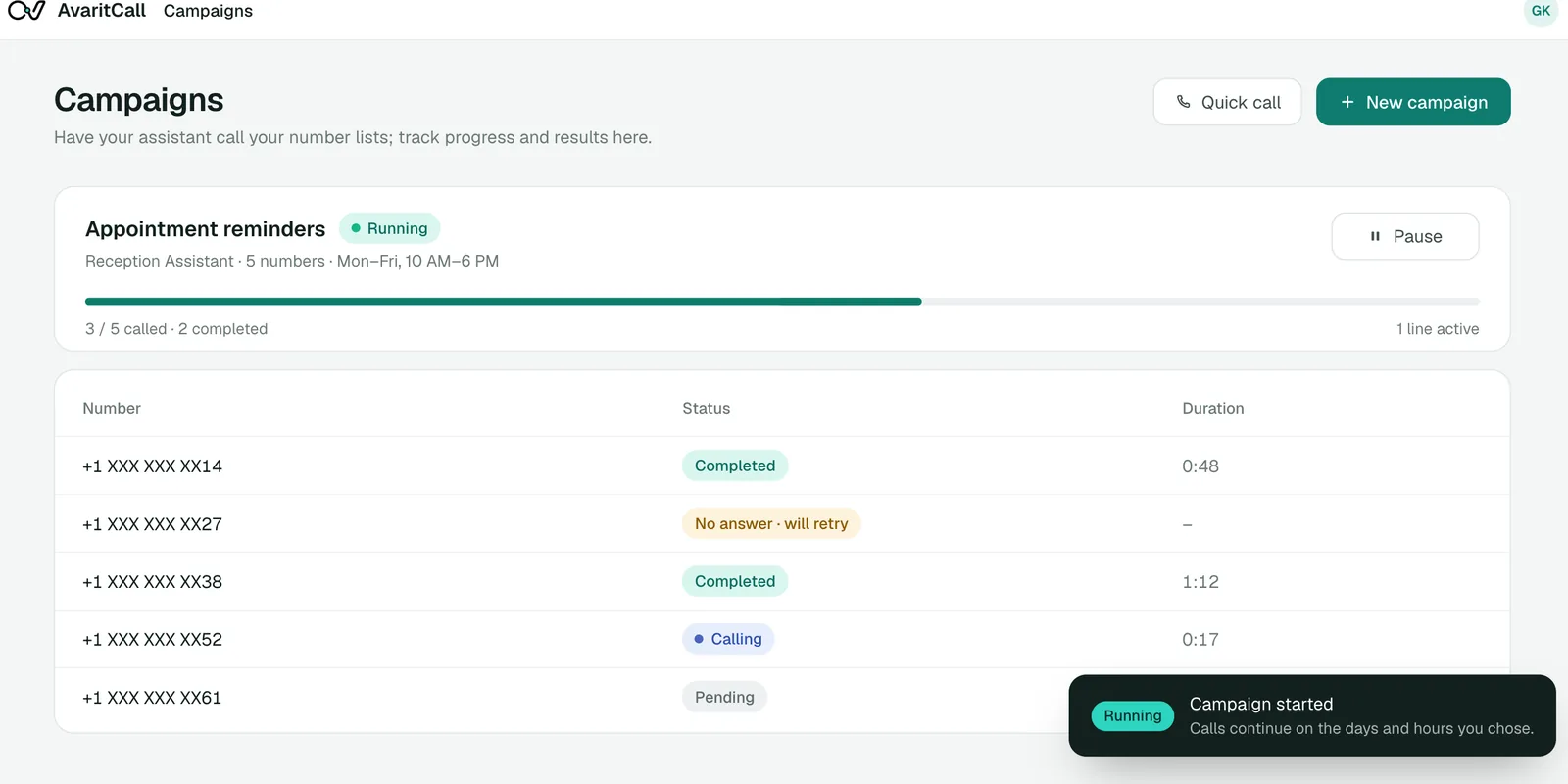
See Which Jobs Need Your Office
Open any call to see the outcome, the summary and the transcript, and find the requests your office still has to act on.
- Confirmed service visits
- Estimates waiting for follow-up
- Requests passed to the field team
- Open callbacks
Give Your Dispatch and Office Teams the Details to Take Over
Collect the Details Needed for the Job
On a new service request, the agent takes the address, a contact number, a short description of the problem and any access note. Before it shares anything about an existing work order, your verification steps come first. Only team members you give access to can see call records, and transcripts are deleted automatically after a set retention period.
Route Technical, Scheduling, and Billing Exceptions
Technical questions go to the on-call technician, visit changes to field coordination and invoice disputes to your billing team. If the transfer isn't answered, a callback request is saved with the work order reference, the customer's words and the target team.
Example handoff
Transferred to On-Call Technician
- Work order
- WO-48120
- Customer says
- Water heater is making a loud banging noise
- Target team
- On-call technician
- Transfer
- Connected on the first number
Connect Your Phone Line, Calendar, and Field Service Software
Each connection below says what it can do today. Field service software connects through its API, and there's no ready-made connector for it.
Ready
Phone & Call Routing
- Twilio
- Telnyx
- Plivo
- Any SIP trunk or PBX
Keep your service number and connect it over SIP. Calls can be transferred to a branch, your office team or the on-call number.
Ready
Forms, CRM & Calendar
 Cal.com (beta)
- REST API
- AvaritCall calendar
- AvaritCall CRM
- Webhooks
A web form request can start a follow-up call through the REST API. Visits are booked in the AvaritCall calendar or Cal.com (beta), and call outcomes are saved in the AvaritCall CRM or sent out through webhooks.
Set up by our team
Field Service Software
- Your field service software via API
Creating a work order, reading the arrival window and writing the call outcome back to a job depend on what your field service software's API allows. Our team looks at it for your setup.
Choose Your First Service Call Workflow
Start with one flow, such as calls that come in while technicians are on a job.
Connect Your Phone Line, Calendar, and CRM
Connect your service line over SIP and pick the calendar where visits are booked.
Set Service Area, Booking, and Dispatch Rules
Add the areas you cover, the jobs that can be booked and who takes urgent and after-hours calls.
Test Sample Calls and Launch
Play a customer with a few sample requests in your browser, then go live.
| Connection | Capture Service Requests | Book a Visit | Read Job Status | Log Call Outcomes |
|---|---|---|---|---|
| Basic phone setup over SIP | Yes | No | No | Yes, in the AvaritCall CRM |
| AvaritCall CRM and calendar (Cal.com in beta) | Yes | Yes | No | Yes |
| Custom field service software integration | Depends on the API | Depends on the API | Depends on the API | Depends on the API |
AI Agents for Home Services Pricing
You pay for talk minutes on the calls your agents answer and make. There are no plans with bundled minutes and no overage fees.
$0.08
per talk minute, billed per second
Example calculation
- 45-second call
- $0.06
- 2 min 30 s call
- $0.20
- 5-minute call
- $0.40
- Pay as you go, billed per second of talk time
- Ringing and unanswered calls are free, and billing stops when a call is transferred
- Outbound campaigns run 5 concurrent calls per agent by default
- Emails and WhatsApp messages you choose to send are billed per message
- A custom connection to your CRM or field service software is scoped with you
Frequently Asked Questions
What can AI agents do for home service businesses?
They answer service calls and make follow-up calls for plumbing, HVAC, electrical and home maintenance companies. Common jobs are taking new requests, checking the service area, booking visits, following up on estimates and passing urgent calls to the on-call team.
Can an AI agent answer calls while our technicians are on a job?
Yes. Your phone system can send all calls, only busy-line overflow or only after-hours calls to the agent. It takes the request and books the visit or saves a callback, so your technicians can keep working.
Can it check whether a customer is in our service area?
Yes. You add the ZIP codes or cities you cover, and the agent checks the address during the call. Callers outside your area hear that you don't cover their address, or their request is saved for your team if you'd rather decide case by case.
Can it book or reschedule a service visit during the call?
Yes, in the AvaritCall calendar or Cal.com (beta). The agent offers open slots for the job types you allow and confirms the time on the call. Changes that need your approval are saved with the customer's preferred time.
Can it follow up on website inquiries and open estimates?
Yes. A web form can start a call through the REST API, or you can upload a list of open estimates. The agent calls at the hours you set and saves questions or site visit requests for the right team.
How does it route after-hours requests to the on-call team?
With the transfer rules you set. Urgent jobs go to the on-call number with the reason for the call and the address. If nobody answers, a fallback number rings or a callback request is saved.
Can it tell customers when their technician will arrive?
Yes, when your field service software is connected through its API. The agent reads the current arrival window on the work order. If there's no current information, the request goes to your field coordination team.
Can we keep our phone number and connect our field service software?
Yes. Your existing number connects over SIP. Field service software connects through its API with a custom tool, and what it can read or write depends on that API. Call outcomes can also go out through webhooks.
How much do AI agents for home services cost?
It's $0.08 per talk minute, billed per second, so a service booking call of 2 minutes 30 seconds costs $0.20. Messages you send are billed per message, and you start with $5 in credit with no card required. A custom CRM or field service software connection is scoped separately.
Start With the Service Calls Your Team Gets While on a Job
Start with one service line and the calls that come in while your technicians are out or your office is busy. At the end of the day, you see the maintenance visit added to the calendar, the customer waiting for a callback about a site visit and the service request handed to the on-call team.