
Inbound Call Center Solutions for 24/7 Customer Support
AvaritCall's inbound call center solutions answer customer calls 24/7, respond from the knowledge you approve and complete supported requests in the systems you connect. When a caller needs a person, the call is transferred to your team. The same agent covers after-hours calls and busy periods, and every call is logged with a transcript and a summary.

Sample call
- Caller
- I'm calling to check on the order I placed last week.
- AI agent
- I can look that up. What's your order number and delivery ZIP code?
- Caller
- It's 48213, and the ZIP code is 60614.
- AI agent
- Thanks. Your order shipped yesterday and is expected on Thursday.
Status Shared
- Order
- #48213
- Status
- Shipped
- Expected
- Thursday
Next step: No follow-up needed
See an Inbound Customer Request from Start to Finish
Follow an order status call step by step: what the customer hears and what happens in the connected system at each point. The same call can end with the answer or with a transfer to your team.
Inbound call
Play sample call
0:29
Reason for the call identified: order status
Order number and ZIP code matched; status retrieved from the connected order system
Result
Status Shared
- Order
- #48213
- Verification
- Order number and ZIP code
- Status
- Shipped, expected Thursday
Next step: Summary in the dashboard
These are fictional sample calls with no real customer data. The example assumes your order system is connected through Shopify or WooCommerce (beta) or your own API.
Inbound call
Play sample call
0:24
Reason identified: damaged item, outside the agent's approved actions
Order matched; transfer rule for damaged items applies
Result
Transferred to Team
- Order
- #48213
- Issue
- Item arrived damaged
- Rule
- Damaged items go to customer care
Next step: Summary available in the dashboard and notifications
These are fictional sample calls with no real customer data. The example assumes your order system is connected through Shopify or WooCommerce (beta) or your own API.
Handle Your Most Common Inbound Requests
Inbound Customer Questions
Answer questions about products, services, hours and policies from the sources you approve, such as documents, web pages or plain text.
AI call center softwareAccount, Order & Service Requests
After the verification steps you define, look up a record, create a support ticket or make a supported update through your system's API. Shopify and WooCommerce order lookups and Freshdesk tickets are available in beta.
Appointments & Booking Changes
Check availability and book in the AvaritCall calendar or Cal.com (beta). In the AvaritCall calendar, the agent can also change or cancel a booking; with Cal.com or another booking system, changes and cancellations are recorded for your team unless that system supports them through its API.
AI appointment schedulingInbound Sales Inquiries
Learn what the caller needs and how to reach them, then transfer them to sales or record a follow-up.
AI lead qualification
Build, Deploy, and Monitor Your Inbound Call Flows
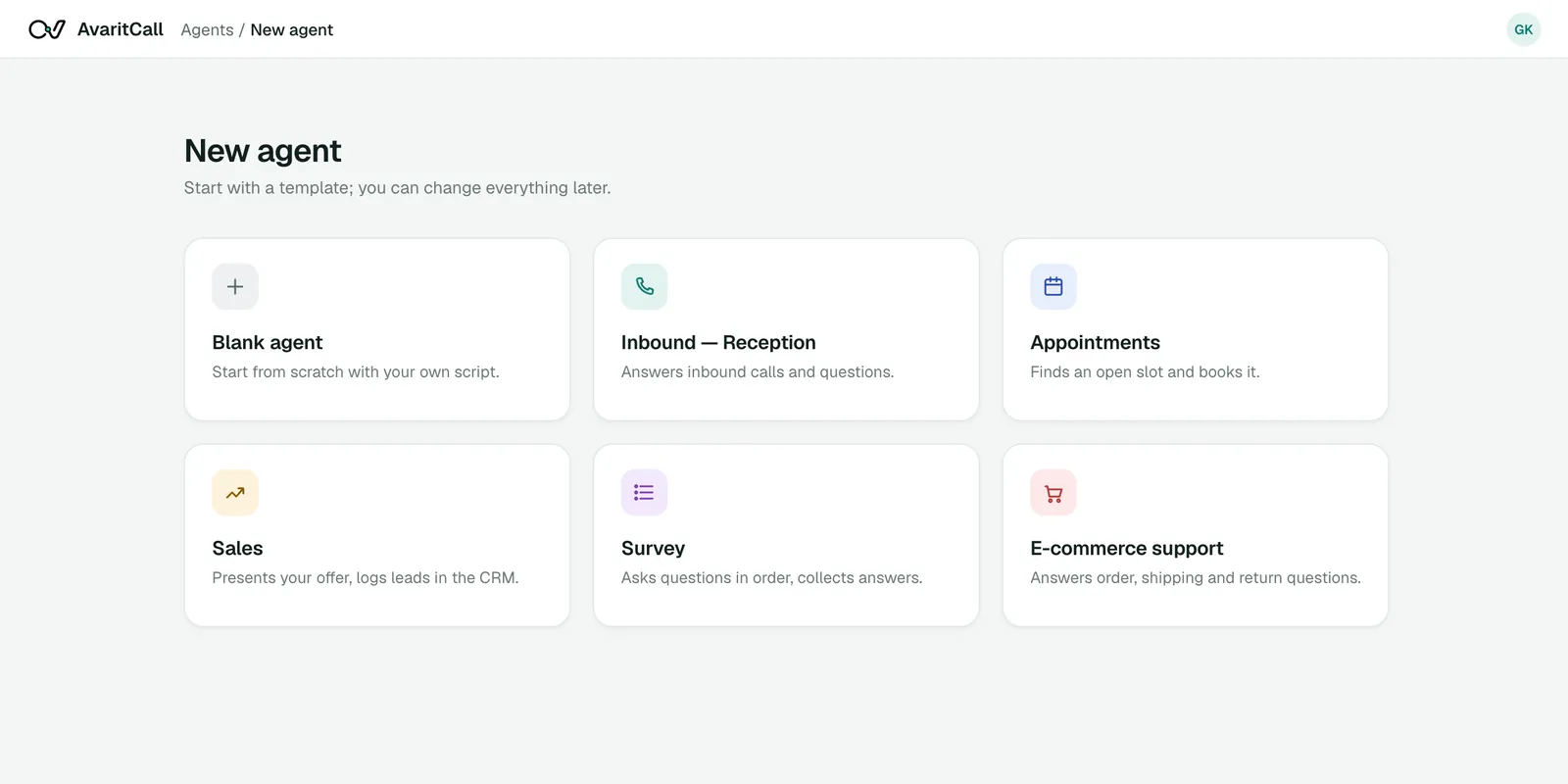
Build
Build the Call Flow
Set up how the agent handles each request before it takes a call.
- Knowledge sources: PDFs, documents, web pages or text
- Conversation steps and verification questions
- Allowed actions through custom API tools
- Transfer conditions and destinations
Deploy
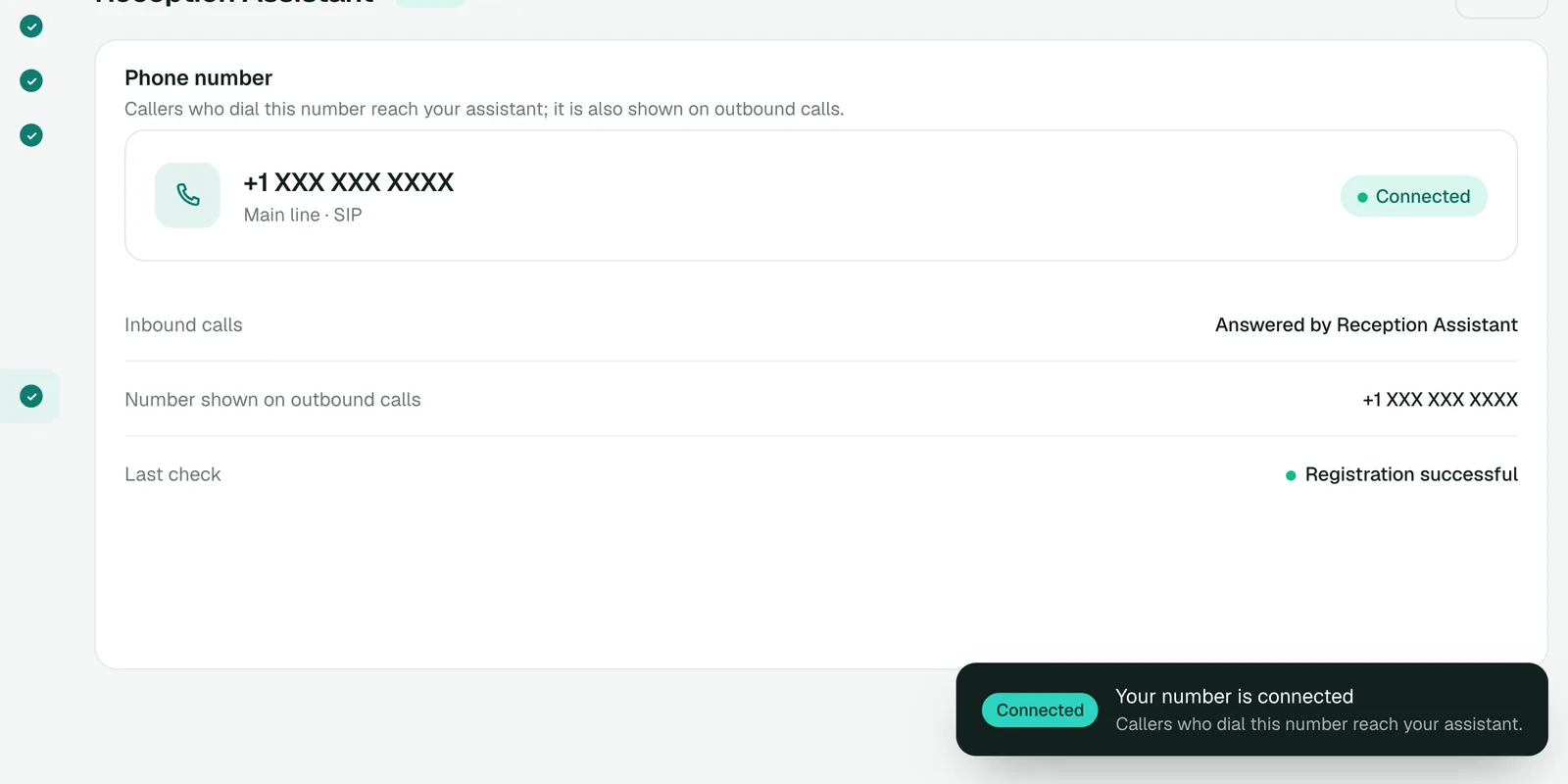
Deploy on Your Lines
Choose which calls the agent answers and how many it can take at once.
- Connect your number via SIP and keep your carrier
- Send all, unanswered or after-hours calls with your forwarding rules
- Voices in US and UK English, Spanish, German, Arabic and Turkish
- Inbound calls answered at the same time up to your line's channel count
Monitor
Monitor Every Call
Review what happened on each call and what still needs attention.
- Call summaries and transcripts
- Completed actions and transfers
- Requests waiting for follow-up
- Analytics with CSV and Excel exports
Sample calls
Status Shared#48213
Status Shared
Next step: Summary in the dashboard
Passed to Your Team#48213
Transferred to Team
Next step: Summary available in the dashboard and notifications
Keep Customer Requests and Call Data Under Control
Verification & Action Limits
Define the verification steps the agent must follow before it shares account details or makes a change, and the actions it is allowed to take.
Human Requests & Escalation
Callers who ask for a person, and requests the agent cannot resolve, are transferred to your team under the rules you set.
Failed Transfers & System Errors
If a transfer is not answered, a fallback number can be dialed; if it fails, the caller stays with the agent, who takes a callback request. If a connected system does not respond, the agent follows your instructions.
Transcripts, Access & Retention
Call transcripts and summaries are kept for a defined retention period and then deleted automatically. Team access is set per agent, and you can request deletion or export your data.
Privacy notice
Connect Your Existing Phone and Support Systems
You can start with one call type, with unanswered calls or with after-hours calls, and expand later.
Ready
Phone Systems
- Twilio
- Telnyx
- Plivo
- sipgate
- Any SIP trunk or PBX
Keep your existing numbers and connect them via SIP or your PBX, with presets for Twilio, Telnyx, Plivo and sipgate.
Beta
CRM & Help Desk
 HubSpot
 Salesforce
 Zoho CRM
 Pipedrive
- Freshdesk
Calls are logged to the built-in AvaritCall CRM. External CRM connectors create a contact or lead, and Freshdesk creates a support ticket. Looking up a caller in your own customer database before the call starts is ready to use.
Ready
Calendars & Business Applications
- AvaritCall calendar
- REST API
- Webhooks
- Custom tools
Book in the AvaritCall calendar. Any other system can be reached through the REST API, webhooks and custom tools; Cal.com and Shopify or WooCommerce order lookups are in beta.
Define Your Call Flows
List the requests the agent handles, the questions it asks and when it transfers.
Connect Knowledge & Systems
Add your knowledge sources and connect the systems the agent needs for each request.
Test Different Outcomes
Test answered questions, completed actions, transfers and failed lookups in your browser.
Launch & Review
Go live on the calls you choose and review transcripts and outcomes.
Plan Your Inbound Call Center Costs
You pay only for talk time. There are no plans with included minutes and no overage fees.
$0.08
per talk minute, billed per second
Example calculation
- 45-second call
- $0.06
- 2 min 30 s call
- $0.20
- 5-minute call
- $0.40
- Pay as you go, billed per second of talk time
- Ringing and unanswered calls are free, and billing stops when a call is transferred
- No number or line fees from AvaritCall
- Inbound calls are answered at the same time up to your line's channel count; larger peaks are planned with our team
- No setup fee for self-serve; connections built by our team are scoped with you
- Enterprise plans add setup and scenario support, a custom contract and DPA, higher concurrency and role-based access
Frequently Asked Questions
What are inbound call center solutions?
Inbound call center solutions are the tools and services that answer and resolve incoming customer calls. AvaritCall provides them with AI voice agents that answer 24/7, handle routine requests and transfer the rest to your team.
Which inbound customer requests can AvaritCall handle?
Product and policy questions, order and account status, support tickets, appointment requests and changes, and inbound sales inquiries. Actions in your systems depend on what you connect; everything else can be recorded or transferred.
Can AvaritCall work with our existing phone system and CRM?
Yes. You keep your number and connect it via SIP or your PBX. Calls are logged to the built-in AvaritCall CRM, and HubSpot, Pipedrive, Salesforce, Zoho CRM, Bitrix24 and HighLevel connectors (beta) create contacts or leads from call data.
Can the AI complete customer requests during the call?
Yes, when the action is connected. The agent can book appointments, check order status through beta store connectors, create Freshdesk tickets (beta) or call your own API through custom tools. Without a connection, the request is recorded for your team.
What happens when a caller requests a person or a transfer is unanswered?
The call is transferred to the number you choose. If no one answers, a fallback number can be dialed; if the transfer fails, the caller stays with the agent, who takes a message and a callback request.
Can AvaritCall handle after-hours calls and peak call volumes?
Yes. The agent answers 24/7, and inbound calls are answered at the same time up to your line's channel count. For larger peaks, capacity is planned with our team.
How is customer and call information managed?
Call transcripts and summaries are kept for a defined retention period and then deleted automatically. You can request deletion or export your data, and card numbers and other supported personal data formats are masked before text reaches the language model.
How is the service priced, and can we start with one call queue?
Calls cost $0.08 per talk minute, billed per second, with no setup fee or commitment. You can start with one call queue, with unanswered calls or with after-hours calls and add more later.
Plan Your Inbound Call Flow with AvaritCall
Tell us which calls you receive and which systems you use. We will help you choose the right scope to start with.