
AI-Powered Appointment Scheduling System for Auto Repair and Tire Shops
AvaritCall is an AI phone assistant that answers your shop's calls, takes the vehicle and service details and books the job at an open time in your connected calendar. Your technicians stay under the car while the phone gets answered. After you close, customers can still book a slot or leave a drop-off request for the morning team.

Sample call
- Caller
- Hi, I want my winter tires put on this week if you have room.
- AI agent
- Sure. What's the year, make and model?
- Caller
- A 2019 Ford Escape.
- AI agent
- Thursday at 9 AM is open for a tire swap. You're booked.
Appointment Booked
- Vehicle
- 2019 Ford Escape
- Service
- Seasonal tire swap
- Time
- Thursday, 9:00 AM
Next step: Service desk sees it on Thursday's schedule
Hear How AvaritCall Handles Auto Repair Scheduling Calls
Pick a scenario to read the call. Each one shows what the customer wants, the details the assistant collects and what your service desk sees afterward.
Inbound call
Oil Change Booking
Result
Appointment Booked
- Customer
- Luis Ortega
- Vehicle
- 2018 Toyota Camry
- Service
- Oil change
- Time
- Tomorrow, 10:30 AM
Next step: Service desk sees the booking on tomorrow's schedule
The calls, customers and vehicles are made up. Each shop sets its own booking rules, its transfer conditions and the prices the assistant may share.
Inbound call
Brake Noise and Price Request
Result
Service Advisor Follow-Up
- Customer
- Dana Brooks
- Vehicle
- 2015 Honda Accord
- Customer's words
- Brakes grinding when I stop
- Callback
- After 1 PM, +1 XXX XXX XXXX
Next step: Service advisor calls back with an estimate
The calls, customers and vehicles are made up. Each shop sets its own booking rules, its transfer conditions and the prices the assistant may share.
Inbound call
After-Hours Drop-Off Request
Result
Drop-Off Request Logged
- Customer
- Sam Patel
- Vehicle
- 2020 Ford F-150
- Concern
- Check engine light on
- Drop-off
- Before opening, key in the drop box
Next step: Morning team confirms with the customer
The calls, customers and vehicles are made up. Each shop sets its own booking rules, its transfer conditions and the prices the assistant may share.
Handle the Calls Your Auto Repair Shop Gets Every Day
Routine Maintenance Booking
Oil changes and scheduled services are the calls you hear most. The assistant asks for the year, make and model, then offers open times that fit the service the customer wants.
AI appointment schedulingTire Service Appointments
When the first cold week arrives, the line is full of tire swap requests by 8 a.m. Callers book a seasonal swap or a balance in the slots you open for tire work. A question about whether a size is in stock goes to your team as a note to confirm.
Diagnostic Appointment Requests
A warning light on the dash or a new noise from the front end. The customer's own description is written down word for word. Depending on your rules, the call ends with a diagnostic slot or goes to a service advisor.
Appointment Changes & Cancellations
Customers who need to move a visit give their name and number so the booking can be found. In the AvaritCall calendar, the change or cancellation happens on the call. With Cal.com (beta), it waits for your service desk to confirm.
Estimates & Service Questions
Prices you've approved, such as a standard oil change or a tire rotation, can be shared on the call. Anything that depends on looking at the car becomes a callback request for a service advisor.
After-Hours Calls & Vehicle Drop-Off
After you close, callers hear your hours and the drop-off steps you've set. Their booking or drop-off request is waiting for the morning team with the vehicle and the reason for the visit.
AI answering service
Set Booking Rules by Service Type and Location
Build
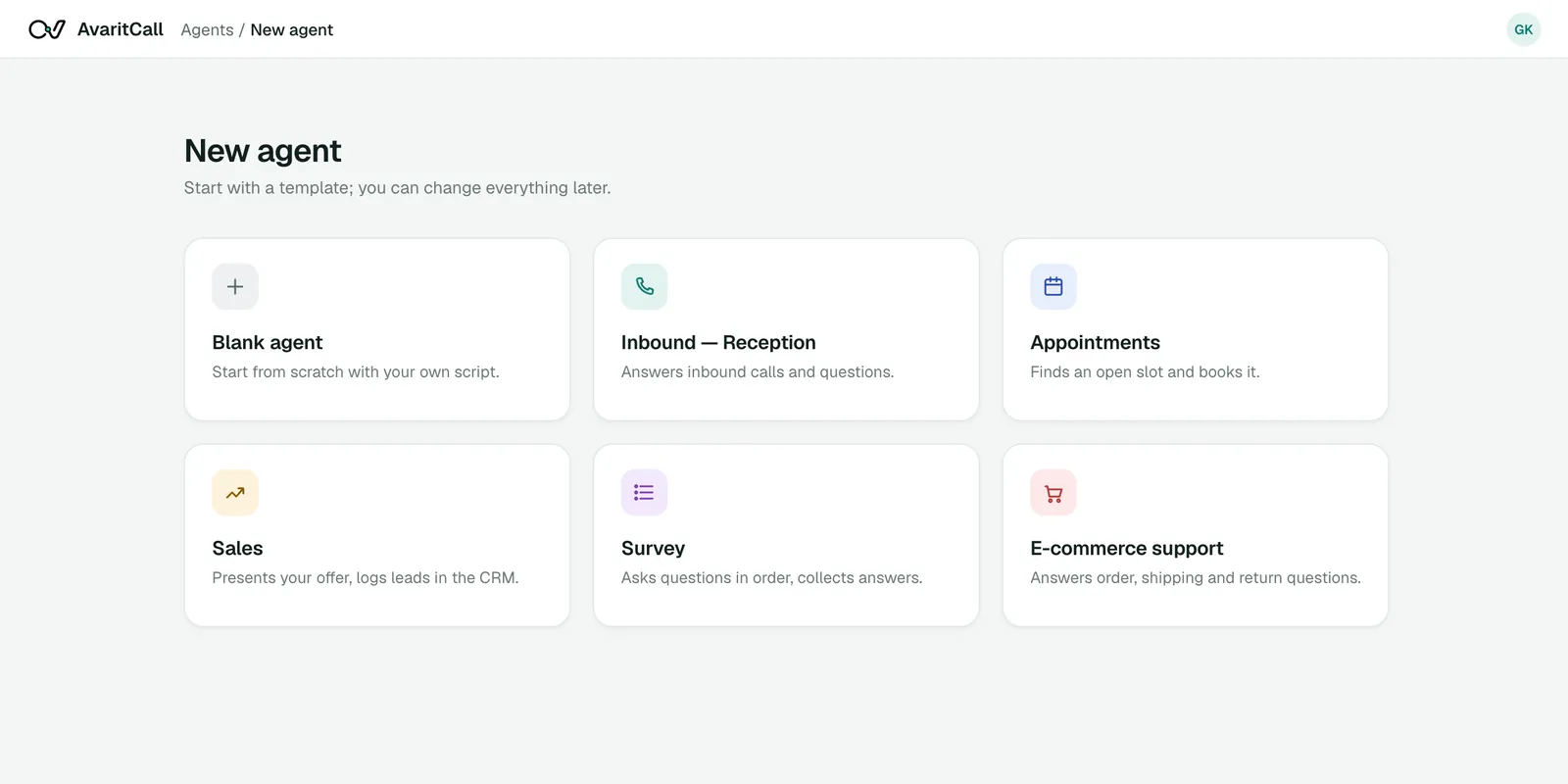
Write Rules for Each Service
Tell the assistant how your shop books work. An oil change can go straight onto the calendar, while a grinding noise or a warning light goes to a service advisor first.
- Service types such as oil changes, tire work and diagnostics
- Service lengths and days, set with Cal.com event types or separate agents
- Rules per location in the assistant's instructions
- Which requests wait for an advisor
- Prices the assistant may share
Deploy
Choose Which Calls It Answers
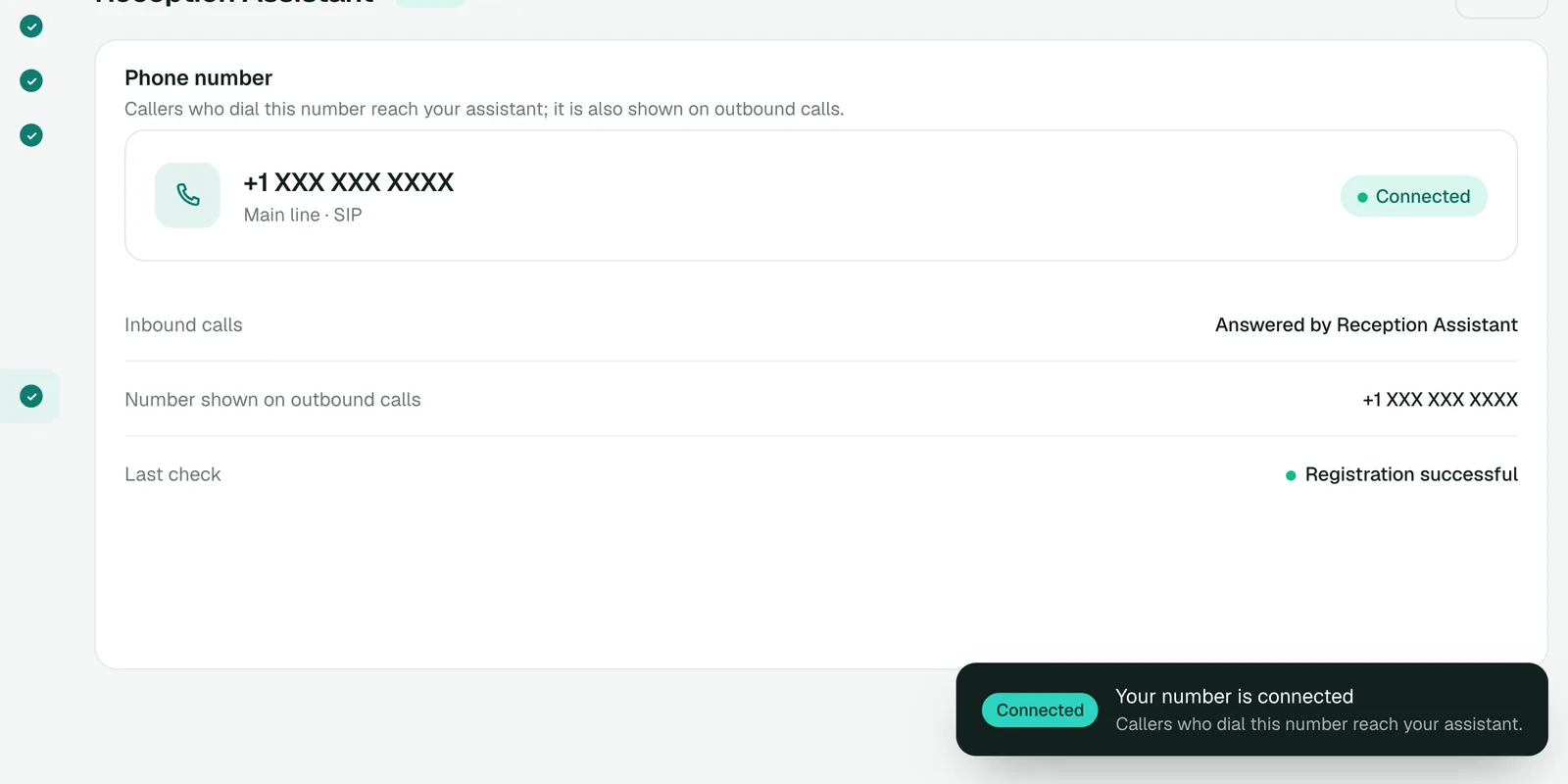
Your carrier's or phone system's forwarding rules decide which calls reach the assistant. You might start with missed calls during the morning rush and add after-hours calls later.
- Keep your shop number and connect it over SIP
- Send all calls, unanswered calls or after-hours calls
Monitor
See the Day's Bookings and Requests
Open the dashboard to see what came in and what still needs your service desk.
- Booked appointments
- Requests waiting for an advisor
- Transferred calls
- Callback requests
Sample calls
Oil Change BookingLuis Ortega
Appointment Booked
Next step: Service desk sees the booking on tomorrow's schedule
Brake Noise and Price RequestDana Brooks
Service Advisor Follow-Up
Next step: Service advisor calls back with an estimate
After-Hours Drop-Off RequestSam Patel
Drop-Off Request Logged
Next step: Morning team confirms with the customer
Bring In a Service Advisor When a Call Needs One
Transfer Calls That Need a Service Advisor
Some calls need a person. A price for a specific repair, the status of a car already in the bay or a complaint about earlier work goes to the person or line you choose. If nobody picks up, a fallback number can ring next.
Send the Details With Each Callback Request
When your team is busy, the assistant saves a callback request instead. Your advisor sees the customer's number, the vehicle's year, make and model, why they called and when they'd like a call back.
Example callback
Callback Requested
- Callback number
- +1 XXX XXX XXXX
- Vehicle
- 2017 Subaru Outback
- Reason
- Wants a quote for front brake pads and rotors
- Preferred time
- Weekdays after 4 PM
Connect Your Shop Phone, Calendar, and Management Software
Each connection below says what it can do today. Shop management software connects through its API, and there's no ready-made connector for it.
Ready
Existing Shop Phone Number
- Twilio
- Telnyx
- Plivo
- Any SIP trunk or PBX
Keep your shop number and connect it over SIP. Forwarding rules decide whether the assistant gets all calls, only missed calls or only after-hours calls.
Ready
Scheduling Calendars
 Cal.com (beta)
- AvaritCall calendar
In the built-in AvaritCall calendar, the assistant checks open times and books, moves and cancels appointments. Cal.com is in beta. It checks availability and books there, and change or cancellation requests wait for your staff.
Set up by our team
Shop Management Software
Shop management systems such as Tekmetric or Shopmonkey aren't ready-made connectors. If yours has an API, our team looks at what a custom connection can read and write for your shop.
Add Locations & Service Types
Add your locations, hours, service types and the prices you're happy to share on the phone.
Set Booking & Transfer Rules
Choose which services book on the call, which go to an advisor first and when a call gets transferred.
Connect Your Phone & Calendar
Connect your number over SIP and pick the calendar the assistant books into.
Test Shop Calls & Go Live
Try an oil change booking, a brake noise call and an after-hours drop-off in your browser, then go live on the calls you choose.
| System | Connection type | Check Availability | Book a Service Appointment | Reschedule or Cancel |
|---|---|---|---|---|
| AvaritCall calendar | Ready | Yes | Yes | Yes |
| Cal.com | Beta | Yes | Yes | Request recorded for staff |
| Your shop management software | Through its API, with our team | Depends on the API | Depends on the API | Depends on the API |
Auto Repair Scheduling Software Pricing
You pay for the minutes the assistant spends on the phone. There are no plans with bundled minutes and no overage fees.
$0.08
per talk minute, billed per second
Example calculation
- 45-second call
- $0.06
- 2 min 30 s call
- $0.20
- 5-minute call
- $0.40
- Pay as you go, billed per second of talk time
- Ringing and unanswered calls are free, and billing stops when a call is transferred
- Inbound calls are answered at the same time up to your line's channel count
- Emails and WhatsApp messages you choose to send are billed per message
- No setup fee for self-serve. A connection to your shop software built by our team is scoped with you
Frequently Asked Questions
How does AI phone booking work for an auto repair shop?
It answers your line, asks what the car needs and checks your calendar for an open time. When the service can be booked directly, the customer hangs up with a confirmed appointment. When it needs an advisor first, they hear that someone will call them back.
Can AvaritCall book oil changes, tire services, and diagnostic appointments?
Yes, as long as you open those services for booking. Oil changes and tire swaps can go straight onto the calendar. Diagnostic visits can be booked too, or sent to an advisor first if that's your rule.
Can I set different appointment lengths and booking rules for each service?
Yes, within limits. You can set rules per service or location in the assistant's instructions, or use separate Cal.com event types or separate agents. Bay or technician availability from your shop software comes into play only once that software is connected through its API.
Can customers reschedule or cancel an appointment over the phone?
Yes. In the AvaritCall calendar the change happens on the call and the customer hears the new time. With Cal.com (beta), the request is recorded and your service desk confirms it later, and the caller is told which of the two applies.
What happens when a caller asks for an exact repair estimate?
They hear only the prices you've approved. If the price depends on inspecting the car, the assistant takes the vehicle details and the problem and saves a callback request for a service advisor. The customer ends the call knowing who will follow up, not with a guessed number.
Can AvaritCall handle after-hours calls and early drop-off requests?
Yes. After hours, callers hear your hours and your drop-off steps, and they can still book an open slot. A drop-off request is logged for your morning team, who confirm it with the customer.
Can I keep my shop's phone number and connect my existing scheduling software?
Your number, yes. You keep it and connect it over SIP. Shop management software has no ready-made connector, but our team can look at a custom connection through its API, and until then bookings go into the AvaritCall calendar or Cal.com.
How much does AvaritCall cost for an auto repair shop?
It's $0.08 per talk minute, billed per second, so a booking call of 2 minutes 30 seconds costs $0.20. Self-serve has no setup fee, and you start with $5 in credit with no card required. A custom connection to your shop software is scoped with our team.
Book Service Appointments While Your Team Is in the Shop
While your team works on cars, service calls still turn into booked appointments. Read how an oil change booking goes from the first question to a confirmed time.