
AI Customer Support for Dental Offices
AvaritCall is an AI voice agent that answers patient support calls for your dental office. Patients get help with visit prep, aftercare instructions, document requests and billing questions. Calls that need a clinical look go to your team with a short summary of the call.

Sample call
- Caller
- I lost the sheet you gave me after my extraction this morning.
- AI agent
- I'll ask the clinical team to send it again. Is email okay?
- Caller
- Email is perfect.
Instructions Requested
- Request
- Aftercare sheet after an extraction
- Routed to
- Clinical team
Next step: Clinical team sends the sheet
Hear How AI Handles Patient Support Calls
Pick a scenario to read the call. Each one shows what the patient asks, how the call ends and what your office does next.
Inbound call
Before a First Visit
Result
Visit Preparation Explained
- Caller
- New patient, visit on Thursday
- Answered
- What to bring, new patient form
- Source
- Office-approved visit checklist
Next step: No follow-up needed
The calls and patient details are made up. Each office sets the information the agent may share, its verification steps and its after-hours protocol.
Inbound call
Aftercare Instructions Request
Result
Instructions Requested
- Patient
- Tom Becker
- Request
- Aftercare sheet for Monday's filling
- Verification
- Completed
- Send by
Next step: Clinical team sends the sheet
The calls and patient details are made up. Each office sets the information the agent may share, its verification steps and its after-hours protocol.
Inbound call
Post-Treatment Concern After Hours
Result
Routed to the On-Call Team
- Patient
- Leah Morgan
- Patient's words
- Throbbing after today's root canal
- Rule
- Office's after-hours protocol
- Transfer
- Connected to the on-call dentist
Next step: On-call dentist takes the call
The calls and patient details are made up. Each office sets the information the agent may share, its verification steps and its after-hours protocol.
Answer Patient Questions Before and After a Dental Visit
First-Visit Forms and Check-In Questions
New patients ask what to bring, which forms to fill out and when to arrive. They hear the answers your office approves.
Visit Preparation Questions
When a patient asks how to get ready for a procedure, the agent shares only the general guidance your clinic signs off on. Questions about medications or anything specific to that patient go to your clinical team.
Post-Treatment Instructions and Follow-Up Requests
It's 8 p.m. and a patient can't find the aftercare sheet from this morning. The request is saved, and your team sees which visit it was about and exactly what the patient asked.
Dental Records, X-Rays, and Document Requests
Patients asking for X-ray copies, a treatment summary or an itemized bill hear your official request channel. If your setup allows, a document request is logged for the right team after verification.
Insurance and Billing Support
General insurance and payment information you publish can be shared on the call. Questions about a patient's own coverage, an unexpected bill or a payment dispute go to your billing team.
AI collections for dental officesAfter-Hours Patient Concerns
Outside office hours, the patient's description is saved. Your protocol decides what happens next, such as a transfer to the on-call team, a fallback number or a priority callback.
Dental office answering service
Set Your Clinic's Answers and Escalation Rules
Build
Choose What the Agent Answers From
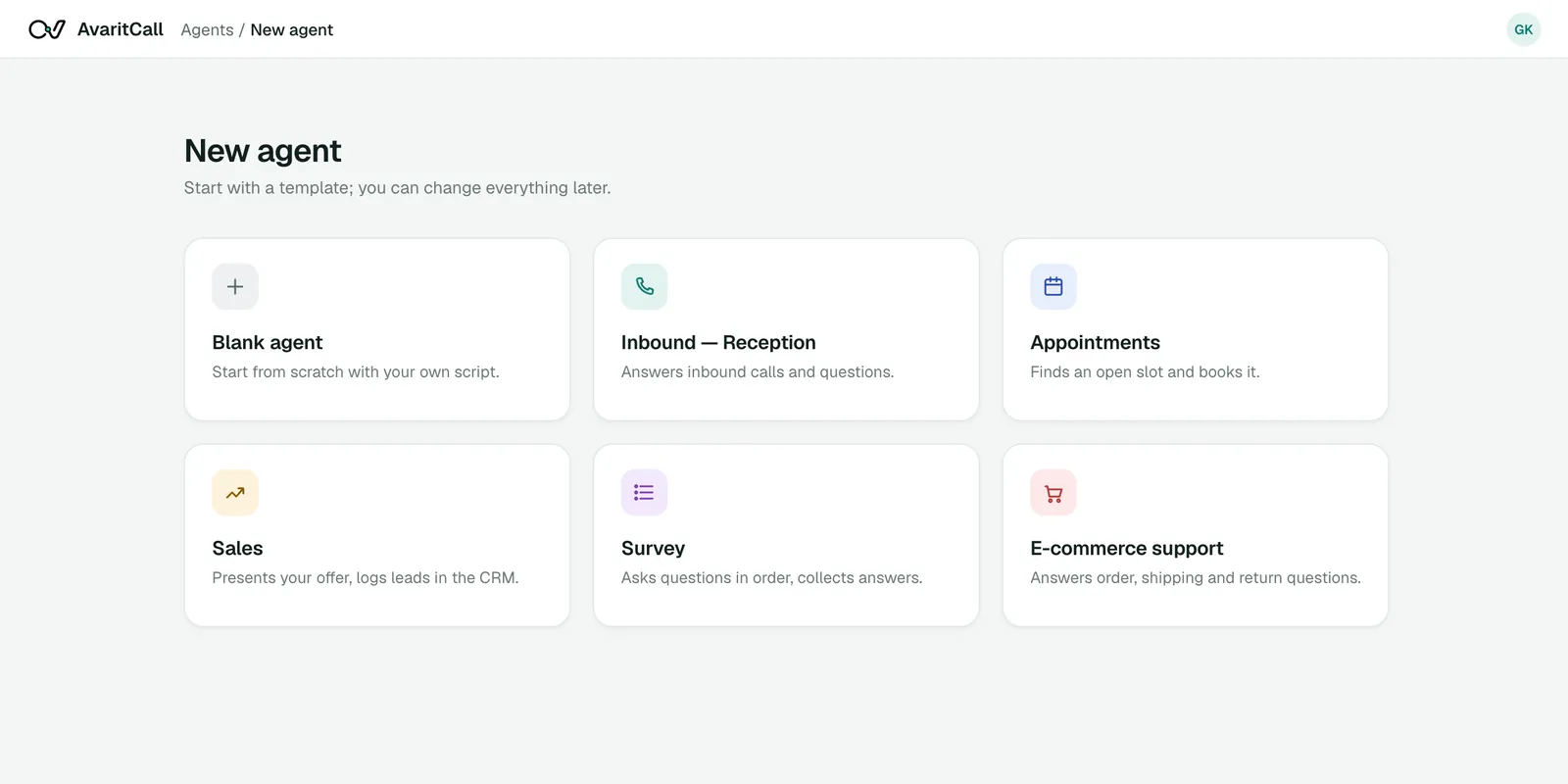
Add the content your clinic approves, such as patient forms, visit prep notes and how to request documents. Then decide which team gets clinical questions and which gets billing requests.
- Approved forms, prep notes and document request steps
- Office hours and support channels
- Which questions go to the clinical team
- Which requests go to billing or the front office
Deploy
Set How the Line Works Day and Night
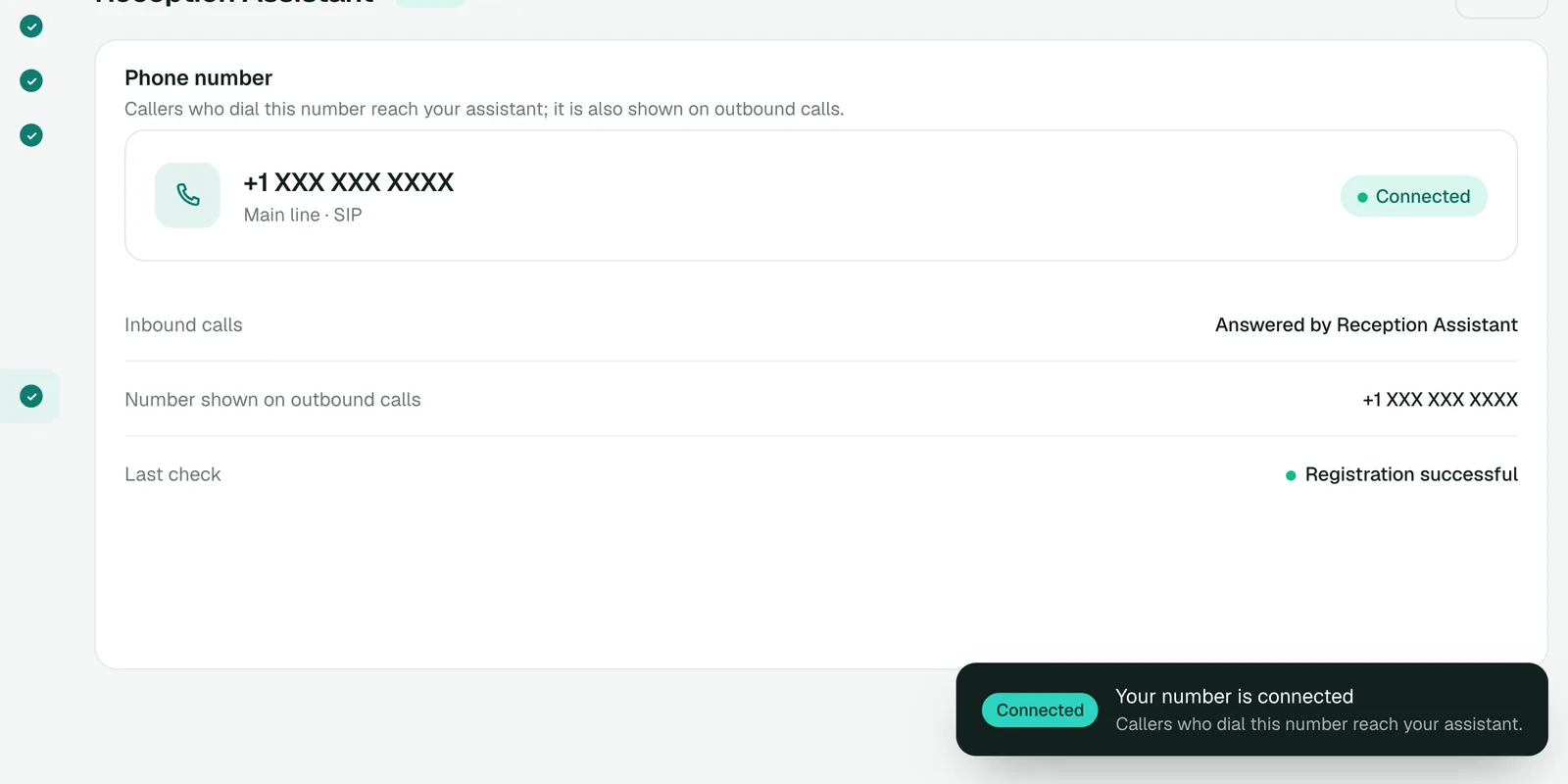
Pick how the support line behaves during office hours and after close, and what happens when nobody can take a transfer.
- Keep your number and connect it over SIP
- Transfer numbers for each team
- A fallback number or a callback when nobody answers
Monitor
See What Patients Asked Today
Review the questions answered on the call and the requests still waiting for your team. A completed callback shows only as far as your connected system reports it.
- Questions answered on the call
- Requests sent to each team
- Pending callbacks
Sample calls
Before a First VisitNew patient, visit on Thursday
Visit Preparation Explained
Next step: No follow-up needed
Aftercare Instructions RequestTom Becker
Instructions Requested
Next step: Clinical team sends the sheet
Post-Treatment Concern After HoursLeah Morgan
Routed to the On-Call Team
Next step: On-call dentist takes the call
Protect Patient Information and Give Staff the Call Context
Verify the Caller Before Discussing Patient Records
Before any visit, document or billing detail that belongs to one patient, the caller completes your verification steps. When a parent or someone else calls, the agent follows your authorization rules. Only team members you give access to can see call records, and transcripts are deleted automatically after a set retention period. AvaritCall supports HIPAA-compliant deployments and signs a Business Associate Agreement (BAA) with healthcare customers, and our sales team reviews the details and your setup with you before go-live.
Talk to salesSend Each Request to the Right Dental Team
Document requests go to the front office, payment disputes to billing and post-treatment concerns to the clinical team. The agent doesn't diagnose or give treatment advice, and it is not a replacement for emergency services. Your protocol can tell callers to hang up and dial 911.
Example handoff
Callback Requested
- Patient's words
- My gum is still sore two days after the deep cleaning
- Visit
- Deep cleaning on Monday
- Target team
- Clinical team
- Callback
- Expected this afternoon
Connect Your Dental Phone Line and Practice Software
Each connection below says what it can do today. Dental practice management software connects through its API, and there's no ready-made connector for it.
Ready
Clinic Knowledge Base
- Documents and web pages you add
Add the patient forms, visit prep notes, office hours and support channels your clinic approves. Answers on the call come from that content.
Set up by our team
Dental Practice Management Software
Opening a patient or visit record and writing the call outcome back depend on what your practice software's API allows. Our team looks at each one for your setup.
Ready
Phone & Support Workflows
- Twilio
- Telnyx
- Plivo
- Any SIP trunk or PBX
Keep your number and connect it over SIP. Calls transfer to the team you choose, and callback requests reach your staff in the AvaritCall CRM or as an email notification.
Add Your Clinic's Support Information
Add forms, prep notes, office hours and how patients request documents.
Connect Your Dental Phone Line
Connect your number over SIP and choose which calls reach the agent.
Set Verification and Transfer Rules
Choose the verification questions and which team takes clinical, billing and document calls.
Test Patient Support Calls and Launch
Try a first-visit question, an aftercare request and an after-hours call in your browser, then go live.
AI Dental Customer Support Pricing
You pay for the minutes the agent spends on patient calls. There are no plans with bundled minutes and no overage fees.
$0.08
per talk minute, billed per second
Example calculation
- 45-second call
- $0.06
- 2 min 30 s call
- $0.20
- 5-minute call
- $0.40
- Pay as you go, billed per second of talk time
- Ringing and unanswered calls are free, and billing stops when a call is transferred
- Inbound calls are answered at the same time up to your line's channel count
- Emails and WhatsApp messages you choose to send are billed per message
- No setup fee for self-serve. A connection to your practice software built by our team is scoped with you
Frequently Asked Questions
What does AI customer support do for a dental office?
It answers the support calls patients make about forms, visit prep, aftercare sheets, records and bills. Answers come from what your clinic approves, and anything clinical or tied to one patient's account goes to the right person with a call summary.
Can it answer questions about forms and visit preparation?
Yes, from the content your clinic approves. Patients hear what to bring, which forms to complete and the general prep steps you've written. Medication questions or prep specific to one patient go to your clinical team.
Can patients request aftercare instructions, dental records, or X-rays?
Yes, as requests your team completes. After verification, the request is logged for the right team, and the patient hears who will send it and how. Records and X-ray copies follow your official release process.
How does it handle insurance questions and billing disputes?
It shares only the general insurance and payment information you publish. A question about a patient's own coverage, an unexpected bill or a dispute is recorded and transferred to billing, or saved as a callback request.
What happens if a patient reports pain after treatment or calls after hours?
It follows your protocol. That can mean a transfer to the on-call dentist, a fallback number or a priority callback with the patient's own words. The agent doesn't diagnose or advise on treatment, and your protocol can tell callers to hang up and dial 911 in an emergency.
How does AvaritCall verify a patient before sharing visit details?
With the steps your clinic sets, such as full name and date of birth. Until the caller completes them, the agent shares only general office information. Calls from parents or other people follow your authorization rules.
Can we keep our phone number and connect our dental practice software?
Your number, yes. You keep it and connect it over SIP. Practice software has no ready-made connector, but our team can connect yours through its API.
How are patient call records handled, and is a BAA available?
Yes, a BAA is available. AvaritCall supports HIPAA-compliant deployments and signs a Business Associate Agreement (BAA) with healthcare customers, and our sales team reviews the details with you before go-live. Transcripts are kept for a set retention period and then deleted automatically, and only team members you give access to can see them.
How much does AI customer support for dental offices cost?
It's $0.08 per talk minute, billed per second, so a support call of 2 minutes 30 seconds costs $0.20. Self-serve has no setup fee, and you start with $5 in credit with no card required. A custom connection to your practice software is scoped with our team.
Start With the Patient Support Calls Your Team Gets Every Day
Start on one clinic line with the questions patients ask most. By the end of the day, you'll see a first-visit question answered, a records request waiting for the front office and a patient waiting for a clinical callback.