
Setup and usage
Documentation
Step-by-step guides to set up and use AvaritCall. Every guide uses the button and field names you see in the dashboard.
Guides
From setup to daily use
New to AvaritCall? Follow the three numbered guides in order: create the agent, connect your number, then set up your first campaign.
 Getting startedSetup guide 1
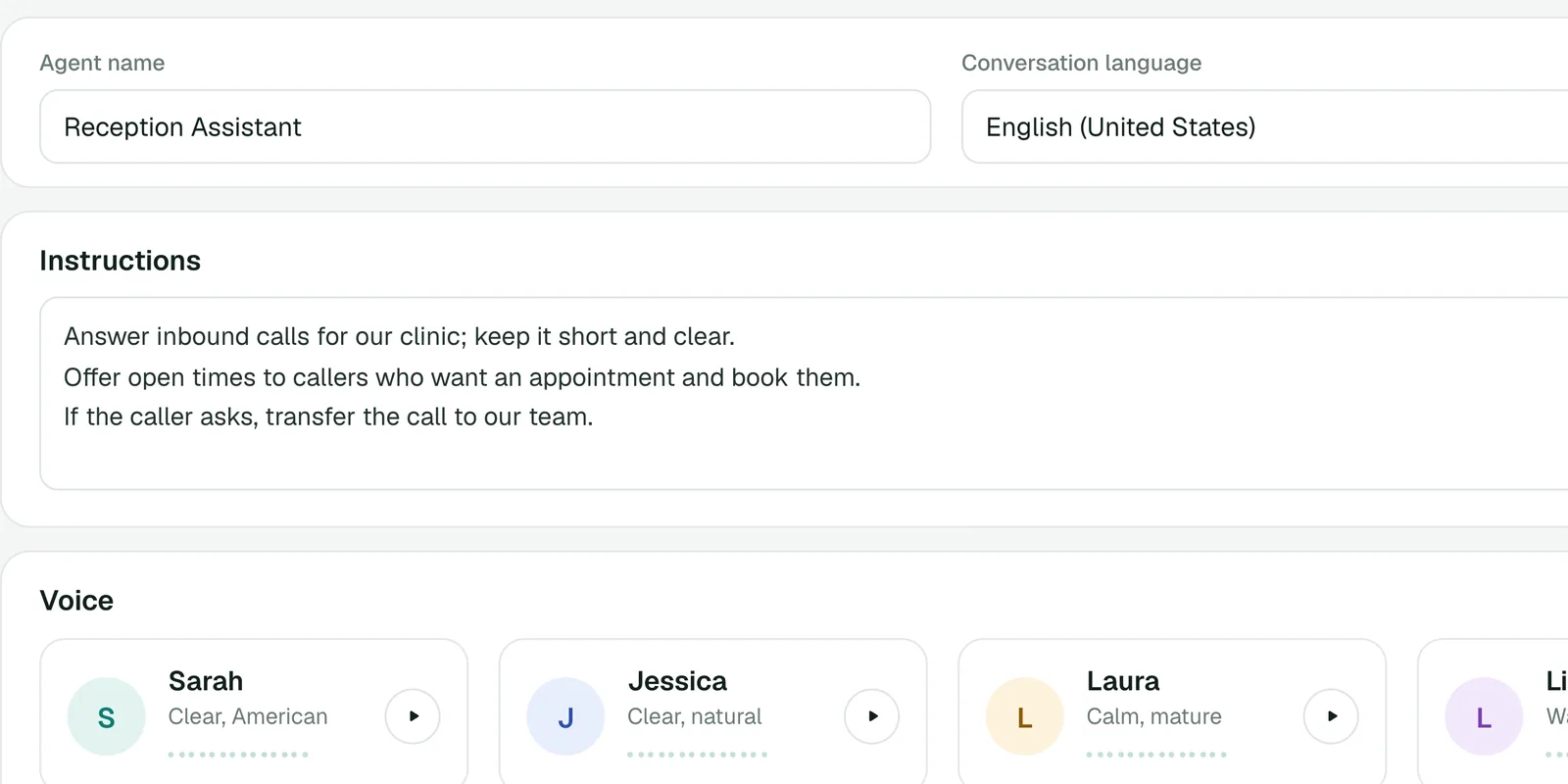
Create an agent
Create the agent, set its instructions and voice, test it in your browser and take it live.
9 steps · 15 min read
 Getting startedSetup guide 2
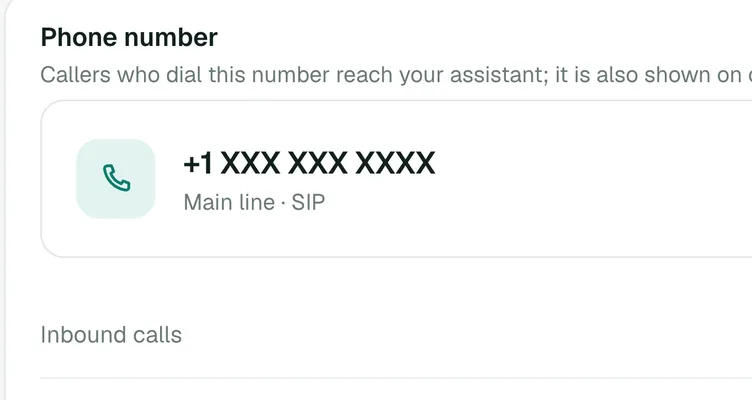
Connect a phone number
Connect your existing number over SIP, assign it to an agent and check the connection.
7 steps · 13 min read
 Getting startedSetup guide 3
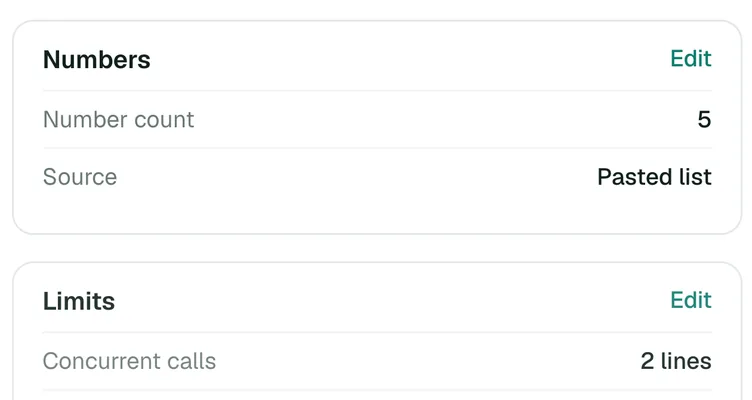
Outbound call campaign
Upload your number list, set calling hours and limits, launch the campaign and track the results.
7 steps · 17 min read
 Customer management
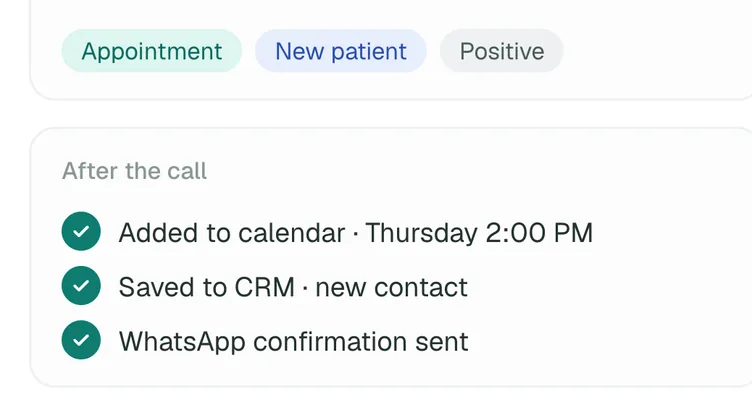
AvaritCall CRM
Manage contacts, boards and tasks; learn how calls link to contacts and how to give your team access.
12 sections · 15 min read
- Connections
Integrations
Set up ready-made connections, create webhooks and API keys, and connect AvaritCall to your AI assistant.
9 sections · 15 min read
- Account
Balance and payments
Learn how pricing works, add your billing details, top up your balance and see what happens when it runs out.
10 sections · 10 min read
API reference for developers
REST API, webhook events and the OpenAPI schema. Send requests with an API key you create in the dashboard.
curl -H "Authorization: Bearer $AVARITCALL_API_KEY" \
"https://avaritcall.com/api/v1/calls?limit=20"Can't find what you need?
Check the frequently asked questions in the Help Center or write to us.