
Towing Answering Service for Towing and Roadside Assistance Companies
AvaritCall's towing answering service answers your calls around the clock and collects the vehicle, location and service details your dispatcher needs. Each request is passed to your operations team by transfer or notification. Calls get answered while your drivers are on the road, your dispatcher is on another line or the office is closed.

Sample call
- Caller
- The parking area at Westside Shopping Center. It's a small SUV.
Tow Request Recorded
- Service
- Tow
- Location
- Westside Shopping Center, parking area
Next step: Passed to dispatch
Hear How a Towing Request Is Handled
Choose a scenario to hear the call and see the details collected and the result.
Inbound call
Play sample call
0:33
Result
Tow Request Recorded
- Location
- Route 9 northbound, past exit 14
- Vehicle
- 2018 Honda Civic
- Drop-off
- Miller's Auto Repair, Grand Avenue
- Callback
- +1 XXX XXX XXXX
Next step: Dispatcher confirms the truck and arrival time
These are fictional sample calls. Your dispatcher assigns trucks and arrival times; the agent shares an arrival time only when your system provides a confirmed one.
Inbound call
Play sample call
0:28
Result
Roadside Request Recorded
- Service
- Jump start
- Address
- 55 Lakeview Drive
- Vehicle
- Ford F-150
Next step: Dispatch confirms the timing
These are fictional sample calls. Your dispatcher assigns trucks and arrival times; the agent shares an arrival time only when your system provides a confirmed one.
Inbound call
Play sample call
0:30
Result
Update Requested
- Caller
- Rachel Kim
- Request
- Arrival time for an existing tow
- Arrival time
- Not confirmed by dispatch
Next step: Dispatcher calls back with an update
These are fictional sample calls. Your dispatcher assigns trucks and arrival times; the agent shares an arrival time only when your system provides a confirmed one.
Handle the Calls Your Towing Business Receives Every Day
Breakdown & Accident Towing Requests
The agent records the location, callback number, vehicle type and what the caller reports. The request goes to your operations team by transfer or notification.
Roadside Assistance Calls
For jump starts, tire changes, lockouts or fuel delivery, it records a request for the services you offer.
Recovery & Special Towing
Recovery jobs and requests that may need special equipment are recorded in detail. Your staff decides on the truck and equipment.
Impound & Vehicle Release Questions
It shares the lot address, hours and required documents you approve. Questions about a specific vehicle or release authorization go to your staff.
Motor Club & Fleet Requests
It records the reference number, vehicle, location and service needed and passes them to your operations team.
Towing Job Status & ETA Questions
It shares job status only when your system provides it through an API. Without a confirmed arrival time, it asks your team for an update.
AI dispatch
Give Dispatchers the Details They Need to Respond
A short call becomes a tow request your dispatcher can act on. Priority calls follow the protocol your business approves, and if a transfer is not answered, a fallback number can be dialed or a callback request is recorded.
Example conversation
- Caller
- My car has broken down, and I need a tow.
- AI agent
- What is your current location?
- Caller
- I'm in the parking area at Westside Shopping Center.
- AI agent
- What type of vehicle do you have?
- Caller
- A small SUV.
- AI agent
- What is the best number for the dispatch team to reach you?
- Caller
- You can reach me at 555-0187.
Tow request
Transferred to Dispatch
- Location as reported
- Westside Shopping Center, parking area
- Contact
- 555-0187
- Vehicle
- Small SUV
- Service needed
- Tow
- Drop-off address
- Not given yet
- Transfer
- Connected to the dispatcher on duty
Example only. Location and vehicle details are visible only to team members with access to this agent, and transcripts are deleted after a defined retention period.
Configure and Track Your Towing Answering Service
Build
Set Your Service Rules
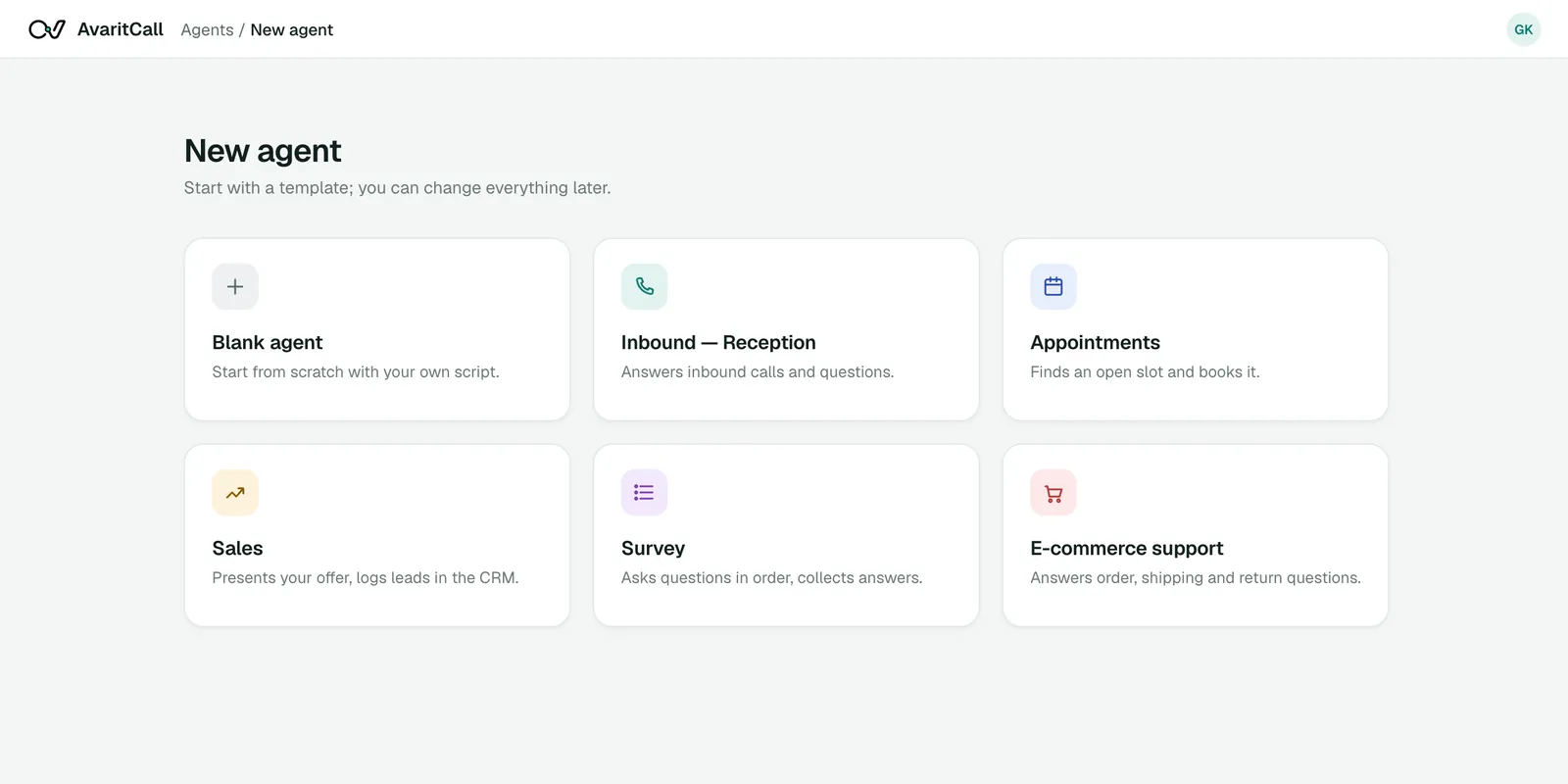
Tell the agent what you cover and what it needs to collect.
- Service area and services offered
- Vehicle types you handle
- Details collected on every call
- Who receives transfers, with a fallback number
Deploy
Route Calls to the Agent
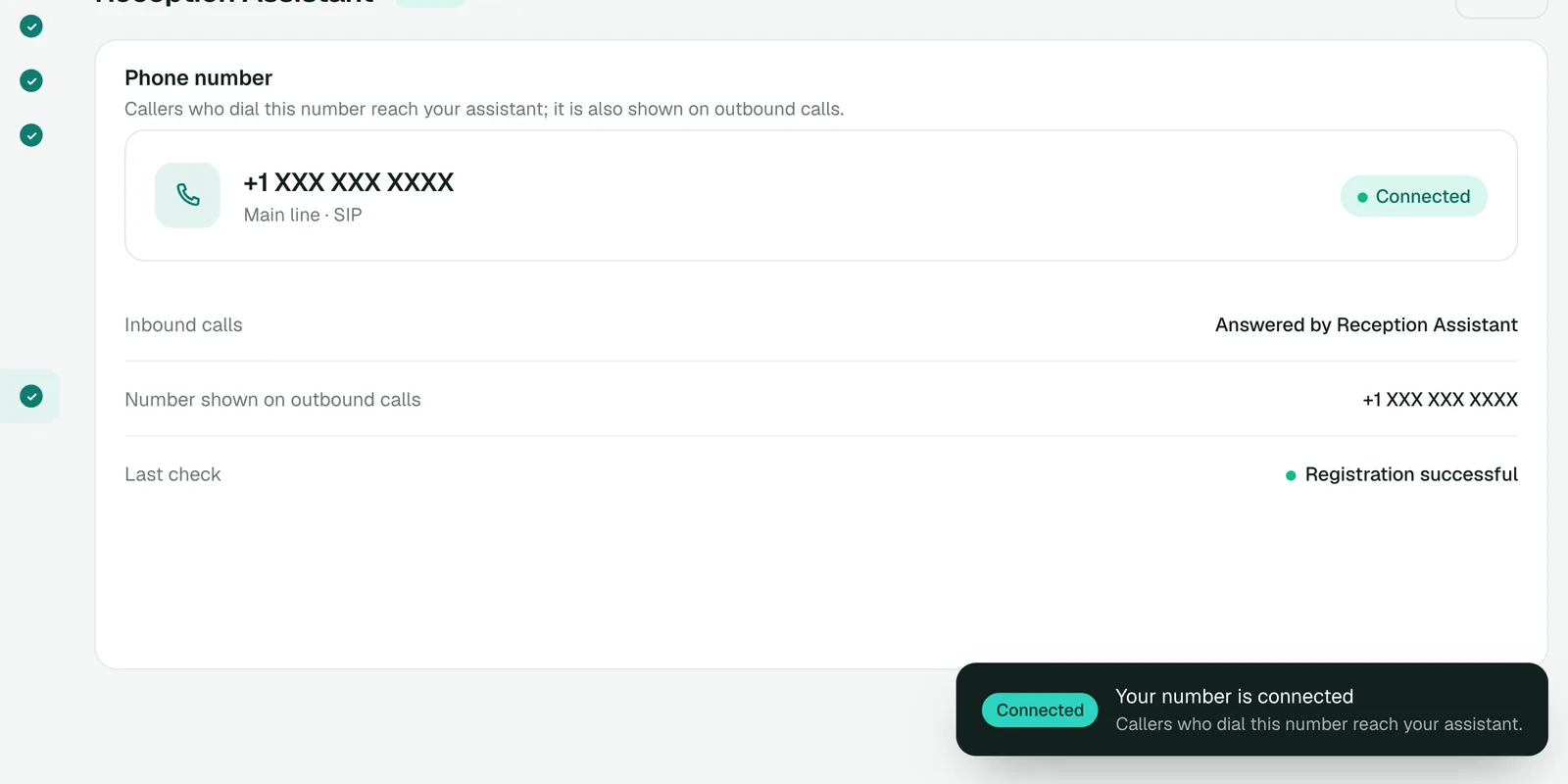
Use your carrier's or phone system's forwarding rules to send all calls, unanswered calls or after-hours calls to the agent.
- Keep your existing number
- Connect via SIP, with presets for Twilio, Telnyx, Plivo and sipgate
Monitor
Track Every Request
Recording a request and assigning a truck are separate steps: the agent records the request, and your dispatcher assigns the job.
- Call summaries and transcripts
- Requests created from calls
- Transfer results, including what happened after a failed transfer
- Pending callbacks
Sample calls
Breakdown TowingRoute 9 northbound, past exit 14
Tow Request Recorded
Next step: Dispatcher confirms the truck and arrival time
Roadside AssistanceJump start
Roadside Request Recorded
Next step: Dispatch confirms the timing
Existing Job UpdateRachel Kim
Update Requested
Next step: Dispatcher calls back with an update
Connect Your Towing Line and Dispatch Tools
Ready
Phone Systems & Existing Numbers
- Twilio
- Telnyx
- Plivo
- Any SIP trunk or PBX
Keep your existing number and connect it via SIP. Forwarding rules decide which calls reach the agent.
Set up by our team
Towing Software & Customer Records
- AvaritCall CRM
Every call is logged to the AvaritCall CRM by phone number. Towing and dispatch software has no ready-made connector; our team can connect it through its API to create a job request or add the call result to a record.
Ready
Dispatch Notifications & APIs
- Dashboard notifications
- Webhooks
- REST API
Send each request to your dispatcher by email or as a dashboard notification, and to your own systems through webhooks and the REST API. Slack, Microsoft Teams and Telegram alerts are available in beta.
Add Services & Coverage
Add the services you offer, your coverage area and the information the agent can share.
Define Intake & Dispatch Rules
Choose the details to collect and who receives transfers and notifications.
Connect & Test
Connect your number, then test tow, roadside and status calls, including a transfer that is not answered.
Launch & Review
Go live on the calls you choose and review requests and callbacks each day.
Towing Answering Service Pricing
You pay only for talk time. There are no plans with included minutes and no overage fees.
$0.08
per talk minute, billed per second
Example calculation
- 45-second call
- $0.06
- 2 min 30 s call
- $0.20
- 5-minute call
- $0.40
- Pay as you go, billed per second of talk time
- Ringing and unanswered calls are free, and billing stops when a call is transferred
- No number or line fees from AvaritCall
- Inbound calls are answered at the same time up to your line's channel count
- Email notifications are billed per message; dashboard notifications are included
- No setup fee for self-serve; a connection to your towing software built by our team is scoped with you
Frequently Asked Questions
What does a towing answering service do?
A towing answering service answers calls for a towing company, collects the details of each tow or roadside request and passes them to dispatch. AvaritCall does this with an AI voice agent 24/7 and logs each call with a transcript and a summary.
Can AvaritCall answer towing calls at night and on weekends?
Yes. The agent answers 24/7, including nights, weekends and holidays, on the calls your forwarding rules send to it.
What location and vehicle details can it collect?
It can collect the location as the caller describes it, a callback number, the vehicle make, model and type, the service needed, the drop-off address and reference numbers for motor club or fleet jobs. You decide which details are required.
Can AvaritCall connect to our towing software and existing number?
Yes for your number, which you keep and connect via SIP. Towing software has no ready-made connector; our team can connect it through its API, and webhooks can send each request to your own systems.
Can it assign a tow truck or provide an arrival time?
No. The agent records the request and passes it to your dispatcher, who assigns the truck. It shares an arrival time only when your system provides a confirmed one through an API; otherwise it asks your team to call the customer back.
Can it answer roadside assistance and vehicle release questions?
Yes. It answers questions about the roadside services you offer and shares the lot address, hours and required documents you approve. Questions about a specific vehicle or release authorization go to your staff.
How are priority calls and unanswered transfers handled?
Priority calls follow the rules your business defines, usually a transfer to the dispatcher on duty. If no one answers, a fallback number can be dialed; if the transfer fails, the caller stays with the agent, who records a callback request. The agent does not replace emergency services; your protocol can tell callers to hang up and dial 911.
How much does the service cost, and what does setup involve?
Calls cost $0.08 per talk minute, billed per second, with no setup fee or commitment, and ringing or unanswered calls are free. Setup means adding your services and coverage, defining intake and dispatch rules, connecting your number and testing.
Keep Your Towing Line Available Around the Clock
Calls get answered while your crews are on the road, and every request reaches dispatch with the vehicle and location details.