
AI Lead Follow-Up for Healthcare
AvaritCall is an AI voice agent that calls new patient inquiries from your clinic's web forms, campaigns and callback requests. It finds out what the person needs, books the first appointment in your connected calendar when it fits your rules and sends anything that needs your team to a patient coordinator.

Sample call
- AI agent
- Hi Emma, this is Northside Physical Therapy returning your web inquiry about knee pain. Is now a good time?
- Caller
- Yes, thanks for calling so soon.
- AI agent
- A first evaluation is open on Thursday at 4 PM at our Elm Street clinic. Shall I book it?
- Caller
- Thursday works.
First Appointment Booked
- Source
- Website new patient form
- First call
- 12 minutes after the form
- Appointment
- Thursday, 4:00 PM, Elm Street
Next step: Front desk sees the booking in the calendar
Hear What Happens After a Patient Submits an Inquiry
Pick a scenario to read the call. Each one shows the inquiry that started the call and how the call ends.
Outbound call
Website Form to First Appointment
Result
First Appointment Booked
- Source
- Website new patient form
- Location
- Westfield
- Appointment
- Wednesday, 2:30 PM
- Calendar
- AvaritCall calendar
Next step: Front desk sees the new patient booking
The calls, people and clinic details are made up. Each organization sets when the agent calls, how many times it tries and which appointments it may book.
Outbound call
Second Attempt After an Unanswered Call
Result
Callback Time Requested
- Source
- Website new patient form
- Attempt
- Second of three
- Preferred time
- Tomorrow after 5:00 PM
Next step: Next call placed at the requested time
The calls, people and clinic details are made up. Each organization sets when the agent calls, how many times it tries and which appointments it may book.
Outbound call
Coordinator Review Before Booking
Result
Sent to Patient Coordinator
- Source
- Sleep study service page
- Question
- Whether the overnight test is part of the first visit
- Preferred time
- Tomorrow morning
Next step: Patient coordinator calls back
The calls, people and clinic details are made up. Each organization sets when the agent calls, how many times it tries and which appointments it may book.
Move New Patient Inquiries From First Contact to Booking
New Patient Web Form Callbacks
Someone who asks for a first visit or more information gets a call at the time your organization sets. The agent confirms which service they want, their preferred location and when they're free.
Campaign and Landing Page Follow-Ups
Inquiries from a service page or a campaign form get their own call flow. The agent shares the information you've approved for that source and writes the outcome to the record.
Unfinished Appointment Requests
When someone starts an appointment request but never picks a time, the agent calls back and offers open times from your connected calendar. If the visit needs staff approval, the preferred time goes to your team.
AI appointment schedulingRetry Calls and Preferred Callback Times
Unanswered calls follow the retry interval and call limit your organization sets. When a person asks to be called at a certain time, that preference is saved for the next attempt.
Rebooking Missed First Appointments
People who missed their first visit and can be contacted again are called from a list your team prepares. Those who still want a visit hear new times, or a callback is logged for the clinic team.
Patient Coordinator Handoffs
Questions about what a first visit covers, the documents needed or your own fee details go to a patient coordinator. The coordinator sees the form source and the person's question in the same record.
AI lead qualification
Set When to Call, Retry, and Stop Following Up
Build
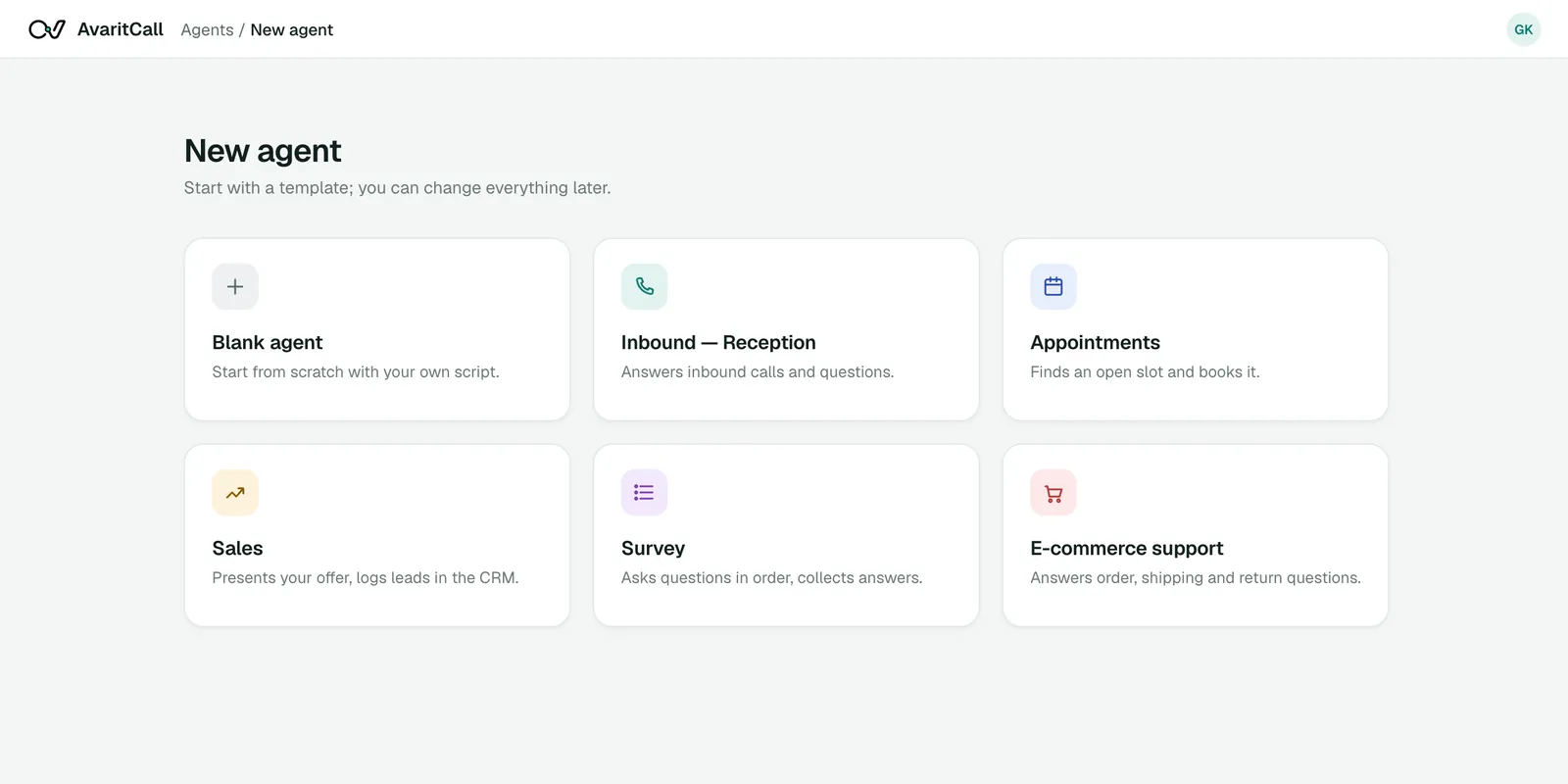
Write the Call Flow for Each Inquiry Type
Set the opening line, the details to collect and the booking rules for web forms, campaigns and unfinished appointment requests.
- Opening lines for each inquiry source
- Details to confirm on the call
- Visit types that can be booked on the call
Deploy
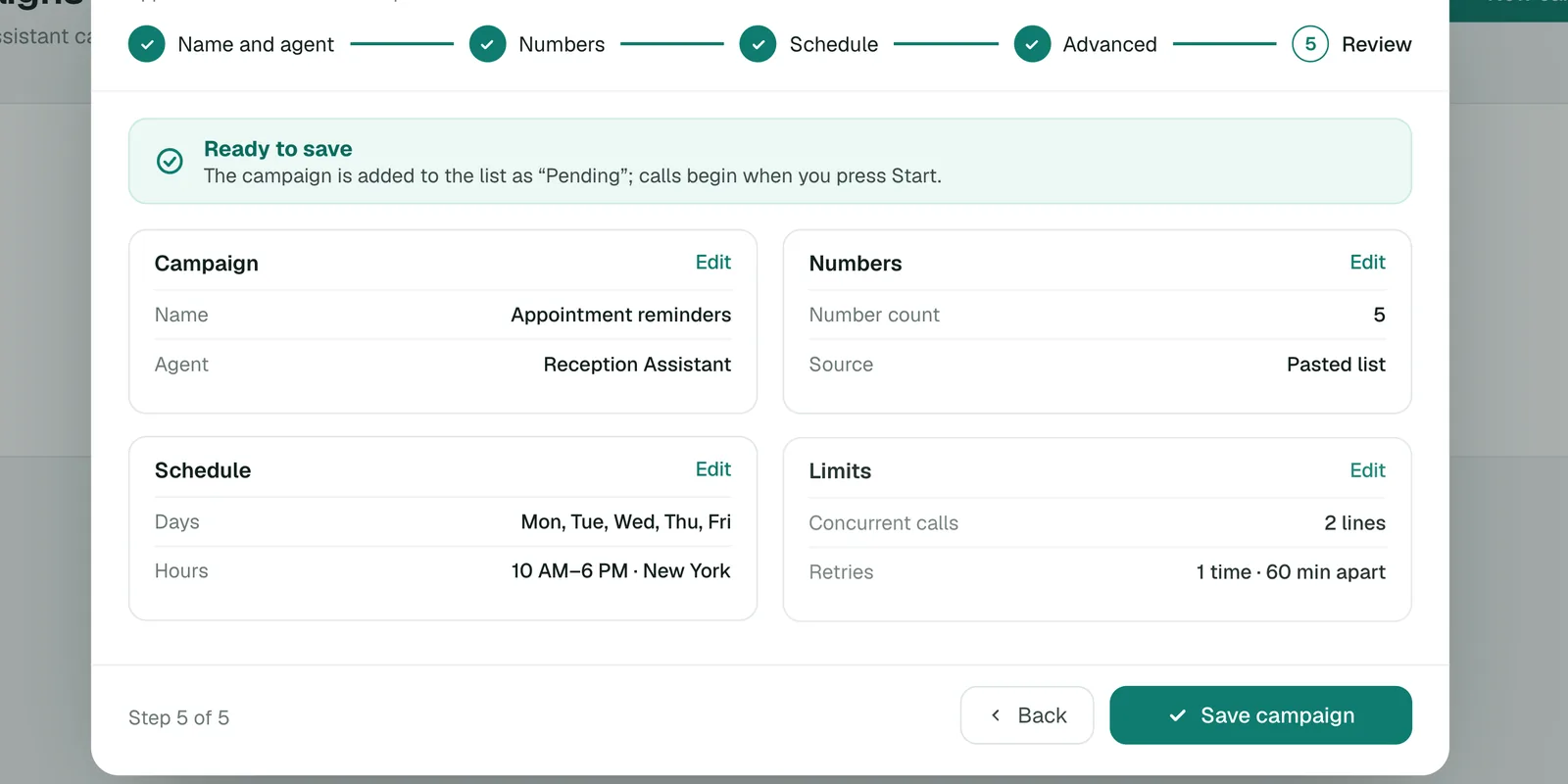
Start Follow-Up From a List or a Connected Form
Upload a call list or connect your form, then choose calling hours, retry intervals and when follow-up stops.
- Call lists or a connected inquiry form
- Calling days and hours
- Retry interval and call limit
- Conditions that stop follow-up
Monitor
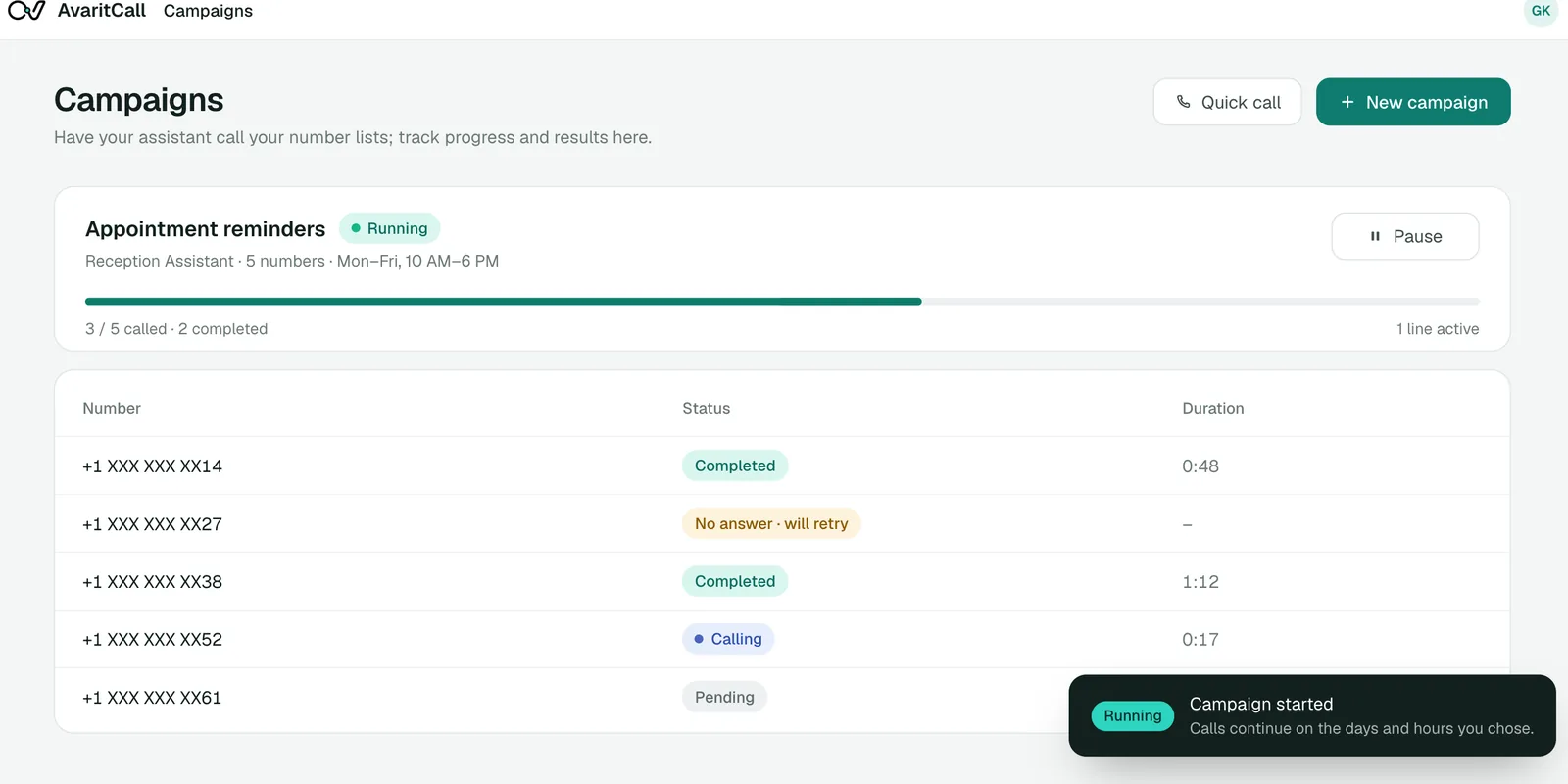
Track Every Inquiry Until It Is Booked or Closed
See how quickly each inquiry got its first call and where it stands now.
- Time from inquiry to first call
- People reached
- First appointments booked
- Open callbacks
- Records removed from follow-up
Respect Contact Preferences and Give Staff the Call Context
Follow Your Organization's Contact and Privacy Rules
Your organization decides which records are called, which contact preferences apply and during which hours calls are placed. When someone asks not to be called again or the number turns out to be wrong, the record is removed from follow-up. The call summary keeps only what's needed for the appointment or the callback.
Pass Clinical Questions and Booking Exceptions to Staff
Questions that need a clinical look and appointments that need staff approval go to the right team. The agent doesn't give medical advice or say whether a treatment is right for someone.
Example handoff
Sent to Patient Coordinator
- Source
- Physical therapy campaign form
- Question
- Can I start therapy before my surgeon's follow-up?
- Preferred time
- Friday afternoon
- Team action
- Coordinator checks with the clinical team and calls back
Connect Your Inquiry Forms, CRM, and Appointment Calendar
Each connection below says what it can do today. Clinic scheduling software and outside CRMs connect through their API, and there's no ready-made connector for them.
Ready
Web Forms & Contact Lists
- REST API
- Webhooks
- Uploaded call list
Send new form inquiries to the agent through the REST API or an automation tool, or upload a list your team prepares.
Set up by our team
CRM & Call Outcomes
- AvaritCall CRM
- Custom HTTP tools
Each call outcome, callback request and inquiry that needs review is saved in the AvaritCall CRM. Writing it to your own CRM goes through that system's API with our team.
Ready
Appointment Calendar & Phone Line
 Cal.com (beta)
- AvaritCall calendar
- Any SIP trunk or PBX
The agent checks availability and books first visits in the AvaritCall calendar, and Cal.com is in beta. Calls go out from your number over SIP. Clinic scheduling software connects through its API, scoped with our team.
Choose Your First Inquiry Source
Start with one source, such as the new patient form on your website.
Connect Your Form, CRM, and Calendar
Connect the form or upload a list, and pick the calendar first visits are booked into.
Set Calling, Retry, and Handoff Rules
Choose calling hours, retry limits, stop conditions and which questions go to a coordinator.
Test Sample Calls and Launch
Play the patient in a few test calls from your browser, then start following up.
| Connection | Connection type | Import New Inquiries | Start Follow-Up Calls | Book an Appointment | Log Call Outcomes |
|---|---|---|---|---|---|
| Uploaded call list | Ready | Yes, from the list | Yes | Yes, in the AvaritCall calendar | Yes, in the AvaritCall CRM |
| Form connection | REST API or automation tool | Yes | Yes | Yes, in the AvaritCall calendar | Yes, in the AvaritCall CRM |
| Custom CRM or calendar integration | Through its API, with our team | Depends on the API | Yes | Depends on the API | Depends on the API |
AI Lead Follow-Up for Healthcare Pricing
You pay for the minutes the agent spends on calls. There are no plans with bundled minutes and no overage fees.
$0.08
per talk minute, billed per second
Example calculation
- 45-second call
- $0.06
- 2 min 30 s call
- $0.20
- 5-minute call
- $0.40
- Pay as you go, billed per second of talk time
- Ringing and unanswered calls are free, and billing stops when a call is transferred
- Concurrent outbound calls run up to your line's channel count
- Emails and WhatsApp messages you choose to send are billed per message
- No setup fee for self-serve. A form, CRM or clinic software connection built by our team is scoped with you
Frequently Asked Questions
What does AI lead follow-up do for healthcare providers?
It calls people who sent a new patient inquiry through a web form, a campaign or a callback request. It confirms what they need, books a first appointment in your connected calendar when your rules allow and sends questions that need your team to a patient coordinator.
Can it call someone after they submit a new patient inquiry form?
Yes. A connected form sends the inquiry to the agent through the REST API or an automation tool, and the call starts at the time your organization sets. You can also upload a list of inquiries.
How soon can the first follow-up call be made?
As soon as the inquiry arrives, within the calling hours you set. If a form comes in outside those hours, the call waits for the next calling window.
What happens if someone does not answer or asks not to be called again?
Unanswered calls are retried at the interval and up to the call limit you set. When someone asks not to be called again, or the number is wrong, the record is removed from follow-up and the reason is saved.
Can it book a first appointment during the call?
Yes, for the visit types you open for booking. In the AvaritCall calendar the first appointment is booked on the call, and Cal.com is in beta. If a visit needs staff approval, the person's preferred time goes to your team.
Can it follow up after a missed first appointment?
Yes, from a list your team prepares of people who can be contacted again. Those who still want a visit hear new times, or a callback request is logged for the clinic team.
When does an inquiry go to a patient coordinator?
When the person asks about what a first visit covers, the documents needed or your own fee details, or when a question needs a clinical look. The coordinator sees the form source, the question and the preferred time in the same record.
Can it connect to our forms, CRM, and scheduling software?
Forms connect through the REST API or an automation tool, and outcomes are saved in the AvaritCall CRM. Your own CRM and clinic scheduling software connect through their API with our team.
How much does AI lead follow-up for healthcare cost?
It's $0.08 per talk minute, billed per second, so a first appointment call of 2 minutes 30 seconds costs $0.20. Unanswered calls are free. Self-serve has no setup fee, and you start with $5 in credit with no card required. A custom form, CRM or clinic software connection is scoped with our team.
Start With Your Next Batch of New Patient Inquiries
Start with one location's web form inquiries that don't have a first visit yet. Soon you'll see first appointments booked, people waiting for a call at their chosen time and questions waiting for a coordinator.