
AI Receptionist for Schools 24/7
AvaritCall is an AI phone assistant that answers your school office's calls when the front desk is busy or the school is closed. It takes absence reports, shares the information your school approves, books school tours and transfers calls to the right office.

Sample call
- Caller
- Hi, my son Leo won't be in today. He woke up with a fever.
- AI agent
- I'm sorry he's sick. What grade is Leo in?
- Caller
- Third grade, Ms. Duncan's class.
Absence Report Received
- Student
- Leo Martin, grade 3
- Reason
- Sick, fever
- Sent to
- Attendance office
Next step: Attendance office reviews the report
Hear How AI Answers Calls to Your School Office
Pick a scenario to read the call. Each one shows what the parent needs, how the call ends and what your school does next.
Inbound call
Morning Absence Report
Result
Absence Report Received
- Student
- Mia Torres, grade 5
- Reported by
- Elena Torres, parent
- Absence
- Full day, today
- Reason
- Dentist appointment
Next step: Attendance office updates the student's record
The calls, parents, students and schools are made up. Each school sets what the agent may share, what it asks for and when a call goes to staff.
Inbound call
After-Hours School Tour Request
Result
School Tour Booked
- Parent
- David Kim
- Child's grade
- Second grade
- Tour
- Thursday, 9:30 AM
- Calendar
- AvaritCall calendar
Next step: Admissions sees the tour on the calendar
The calls, parents, students and schools are made up. Each school sets what the agent may share, what it asks for and when a call goes to staff.
Inbound call
Bus Route Question
Result
Transportation Callback Requested
- Parent
- Nadia Brooks
- Question
- Route 4 stops tomorrow, road work on the street
- Transfer
- Transportation office didn't answer
- Callback
- +1 XXX XXX XXXX
Next step: Transportation office calls back
The calls, parents, students and schools are made up. Each school sets what the agent may share, what it asks for and when a call goes to staff.
Handle the Calls That Come Into Your School Office Every Day
Absence and Late Arrival Reports
Between 7:30 and 8:15, the phone rings with parents calling in sick kids and late arrivals. Each report is taken with the details your school asks for and sent to the attendance office with the date and the type of report.
Admissions Questions and School Tour Booking
Families hear your published enrollment dates, required documents and open house days. Those who want to visit can book a tour in your connected calendar.
School Hours, Calendars, and Event Questions
Start and dismissal times, holidays, parent-teacher conferences and school events are answered from your current information. If you have more than one campus, callers hear the details for the one they asked about.
Bus, Drop-Off, and Pickup Questions
Parents hear how to reach transportation, where drop-off happens and how pickup works. Changes for one student, like a different bus or a new pickup person, go to authorized staff.
Parent Messages and Meeting Requests
A parent who wants to talk with a teacher or the principal leaves a message, a callback number and a good time to call. If staff have opened meeting slots, the parent can book one in the connected calendar.
Busy Office and After-Hours Call Coverage
When the office is on another call or closed, routine questions still get answered. Requests that need staff are saved as a message or a callback request.
AI agents for education
Set Call Coverage Around Your School Day
Build
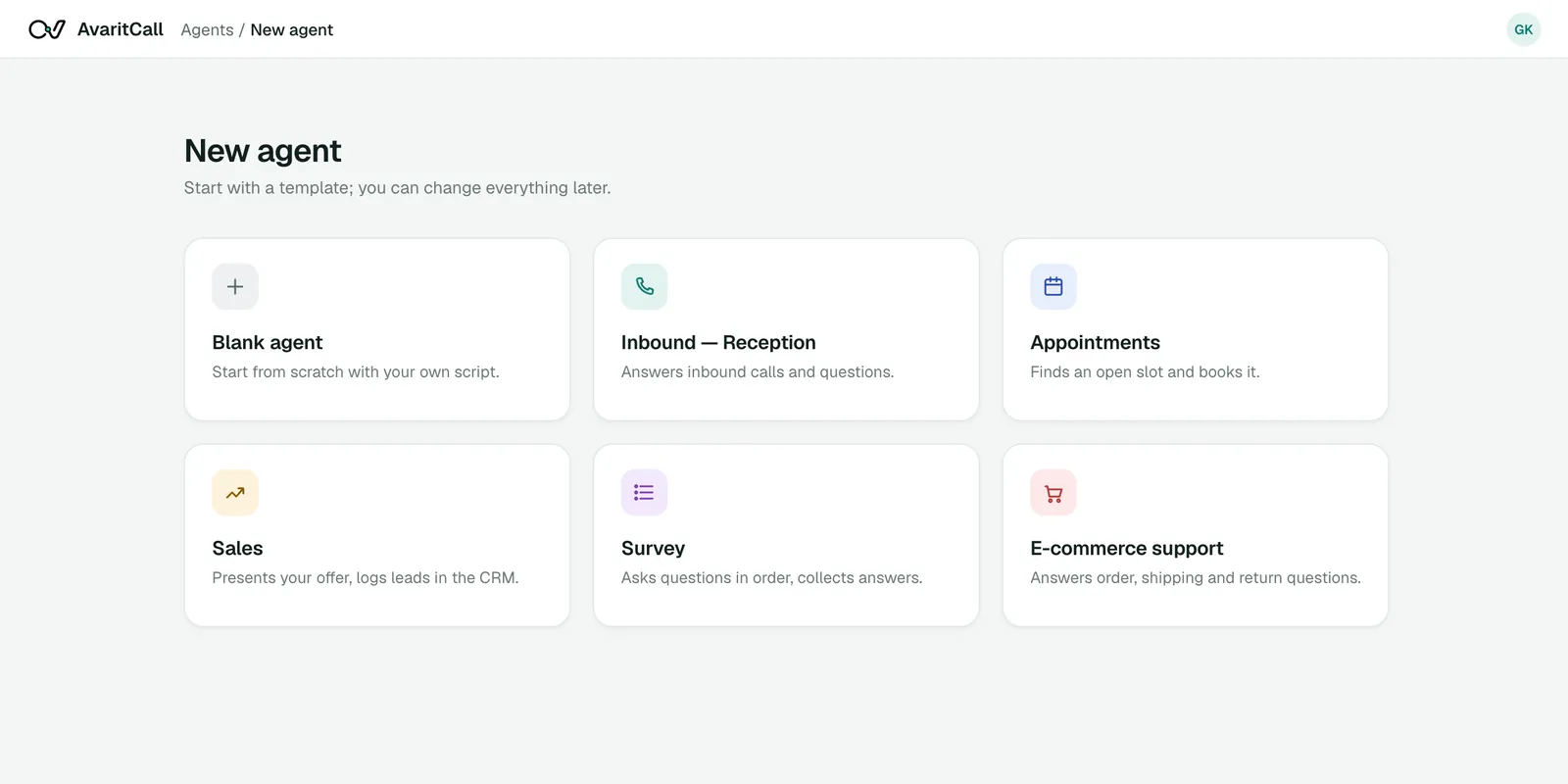
Add Your School's Information
Add the school calendar, published parent information and contact details for each office. Then set what the agent asks for on absence, admissions and transportation calls, and when it transfers.
- School calendar and published parent information
- Contact details for each office
- Details to collect for absence reports
- Transfer rules for admissions and transportation
Deploy
Match Calls to the School Day
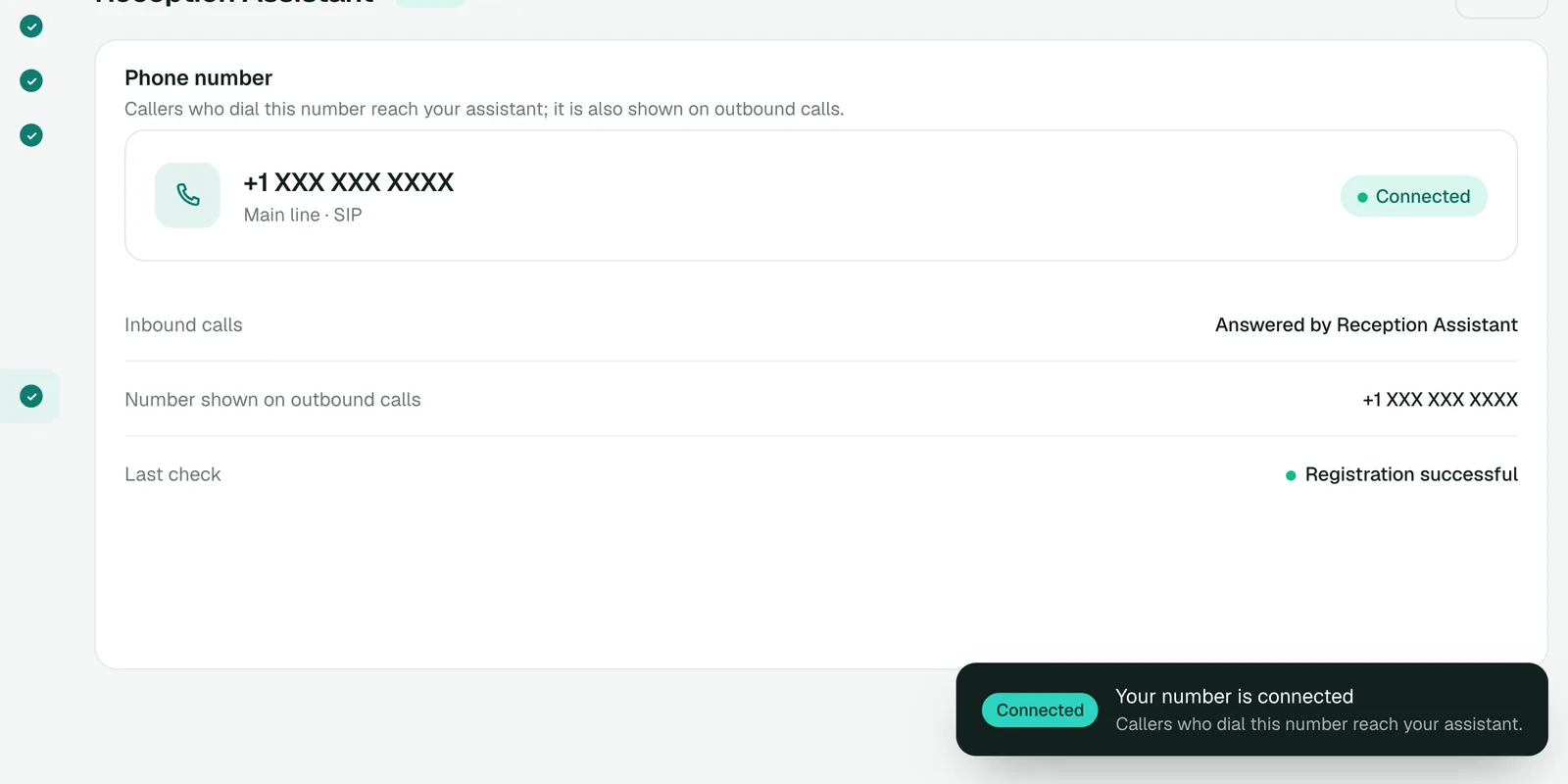
Set how calls are handled during morning drop-off, busy office hours, after school and on holidays.
- Keep your school number and connect it over SIP
- Send all calls, unanswered calls or after-hours calls
Monitor
See the Day's Reports and Requests
Check what came in this morning and what still needs an office to follow up.
- Absence reports received
- School tours booked
- Calls transferred to each office
- Pending callbacks
Sample calls
Morning Absence ReportMia Torres, grade 5
Absence Report Received
Next step: Attendance office updates the student's record
After-Hours School Tour RequestDavid Kim
School Tour Booked
Next step: Admissions sees the tour on the calendar
Bus Route QuestionNadia Brooks
Transportation Callback Requested
Next step: Transportation office calls back
Protect Student Information and Route Calls to the Right Staff
Follow the School's Rules Before Sharing Student Information
Before anything specific to a student comes up, the agent follows your verification and authorization rules. Grades, attendance records and pickup permissions go to authorized staff instead of being handled on the call. Only team members you give access to can see call summaries, and transcripts are deleted automatically after a set retention period.
Give Each Department the Information It Needs to Follow Up
Absence reports go to the attendance office, tour requests to admissions and route questions to transportation. Each one carries the reason for the call, a callback number, the target office and how the transfer went.
Example handoff
Callback Requested
- Reason
- Pickup change for Friday
- Callback number
- +1 XXX XXX XXXX
- Target office
- Front office
- Transfer
- Staff busy, callback logged
Connect Your School Phone Line, Calendar, and Student Systems
Each connection below says what it can do today. Student information systems connect through their API, and there's no ready-made connector for them.
Ready
School Phone Line
- Twilio
- Telnyx
- Plivo
- Any SIP trunk or PBX
Connect your existing school number over SIP and transfer calls to the front office, admissions or transportation.
Ready
Calendar & School Information
 Cal.com (beta)
- AvaritCall calendar
School tours and parent meetings are booked in the AvaritCall calendar or Cal.com (beta). Holiday dates and event times come from the information your school approves.
Set up by our team
Student Information System & Admissions CRM
- AvaritCall CRM
- REST API
- Webhooks
Call outcomes are saved in the AvaritCall CRM. Sending an outcome to your admissions CRM or an absence report to your student information system depends on that software's API and is scoped by our team.
Choose When AI Should Answer
Start with busy and unanswered calls during morning drop-off, after-hours calls or all of them.
Add School Information and Connect Your Number
Add your calendar and parent information, then connect your school number over SIP.
Set Department Transfers and Callback Rules
Choose the transfer number for each office and what happens when nobody picks up.
Test Parent Calls and Launch
Try an absence report, a tour request and a bus question in your browser, then go live.
AI Receptionist for Schools Pricing
You pay for the minutes the agent spends on the phone with parents. There are no plans with bundled minutes and no overage fees.
$0.08
per talk minute, billed per second
Example calculation
- 45-second call
- $0.06
- 2 min 30 s call
- $0.20
- 5-minute call
- $0.40
- Pay as you go, billed per second of talk time
- Ringing and unanswered calls are free, and billing stops when a call is transferred
- Inbound calls are answered at the same time up to your line's channel count
- Emails and WhatsApp messages you choose to send are billed per message
- No setup fee for self-serve. A custom connection to your student information system is scoped with you
Frequently Asked Questions
What does an AI receptionist do for a school?
It answers your school office's phone when staff are busy or the school is closed. It takes absence reports, answers questions from approved school information, books tours and transfers calls to the right office.
Can it answer calls only when the school office is busy or closed?
Yes. Your phone system's forwarding rules decide which calls reach it. You can start with busy and unanswered calls during morning drop-off and add after-hours calls later.
Can parents report an absence or late arrival by phone?
Yes. The agent takes the details your school asks for and sends the report to the attendance office. Receiving the report and updating the student's attendance record are separate steps, and your staff makes the update.
Can it answer admissions questions and book school tours?
Yes. Families hear the enrollment dates and documents you publish. A tour booked in the AvaritCall calendar or Cal.com (beta) is confirmed on the call with the date and time.
Can it transfer calls to admissions, attendance, or transportation staff?
Yes. You set a transfer number for each office and the situations that go there. If nobody answers, the parent's message and callback number are saved for that office.
How does it handle requests for private student information?
It follows your verification and authorization rules and passes those requests to authorized staff. Grades, attendance details and pickup permissions aren't shared by the agent.
Can we keep our existing school phone number?
Yes. You keep your number and connect it over SIP, so parents keep calling the number they know.
Can it connect to our calendar or student information system?
Your calendar, yes. The AvaritCall calendar is ready to use and Cal.com is in beta. A student information system connects through its API, scoped with our team.
How much does an AI receptionist for schools cost?
It's $0.08 per talk minute, billed per second, so a parent call of 2 minutes 30 seconds costs $0.20. Self-serve has no setup fee, and you start with $5 in credit with no card required. A custom connection to your student information system is scoped with our team.
Start With Your School's Morning Call Rush
Start by sending busy and unanswered calls during morning drop-off to the agent. The morning summary shows the absence reports taken, the school hours questions answered and the parent messages waiting for an office to call back.