
AI phone assistant for dispatch management
Test an AI phone assistant for work orders, field updates and coordinator handoffs. Compare approved next steps, remaining team effort and total dispatch pilot costs.
A buying guide for field coordination
A status update is not the same as completed work
Customers, field teams and the office may ask different questions about the same job. Focus the first pilot on one work-order type. Beyond parcel tracking, assess the stage of the work and the decision still needed. Include an unexplained delay with your configured test assistant. Helping the coordinator choose an intervention is more useful than simply repeating a status.
Suggested pilot: a job waiting for a team
Have a customer ask whether a planned installation has started. Test the distinction between planned, waiting for a team and completed. The coordinator should be able to identify the job needing an update; an estimated completion time should not be described as an outcome that has already happened.
Suggested pilot: an obstacle on site
Have the field team report that access is blocked and work cannot start. Assess whether a status report and a request for new instructions remain distinct. Not counting the job as completed and leaving rescheduling authority with the coordinator are concrete acceptance conditions for this scenario.
Prepare before the pilot
- Work-order type, stage definitions and shared field terminology.
- Responsibility map across the office, field team and customer.
- Approval rules for blocked work, changed instructions and closure.
Measures for the buying decision
- Additional coordinator calls needed to establish job status.
- Time between reporting a field obstacle and deciding the response.
- Jobs reopened because completion confirmation was missing.
Where a person makes the decision
Team reassignment, route priorities and decisions about safe work go to the coordinator or authorized field manager. Preserve the distinction between collecting status information and issuing operating instructions during the pilot.
Test one work order with your configured test assistant
Explore the sample conversations. Try your own scenario with the test assistant in your account. Try a customer question followed by a field obstacle. In a real-call pilot, measure the extra contacts needed before a coordinator can decide. Compare pricing by time and total team effort per completed coordination task alongside call counts.

Additional coordinator calls needed to establish job status.
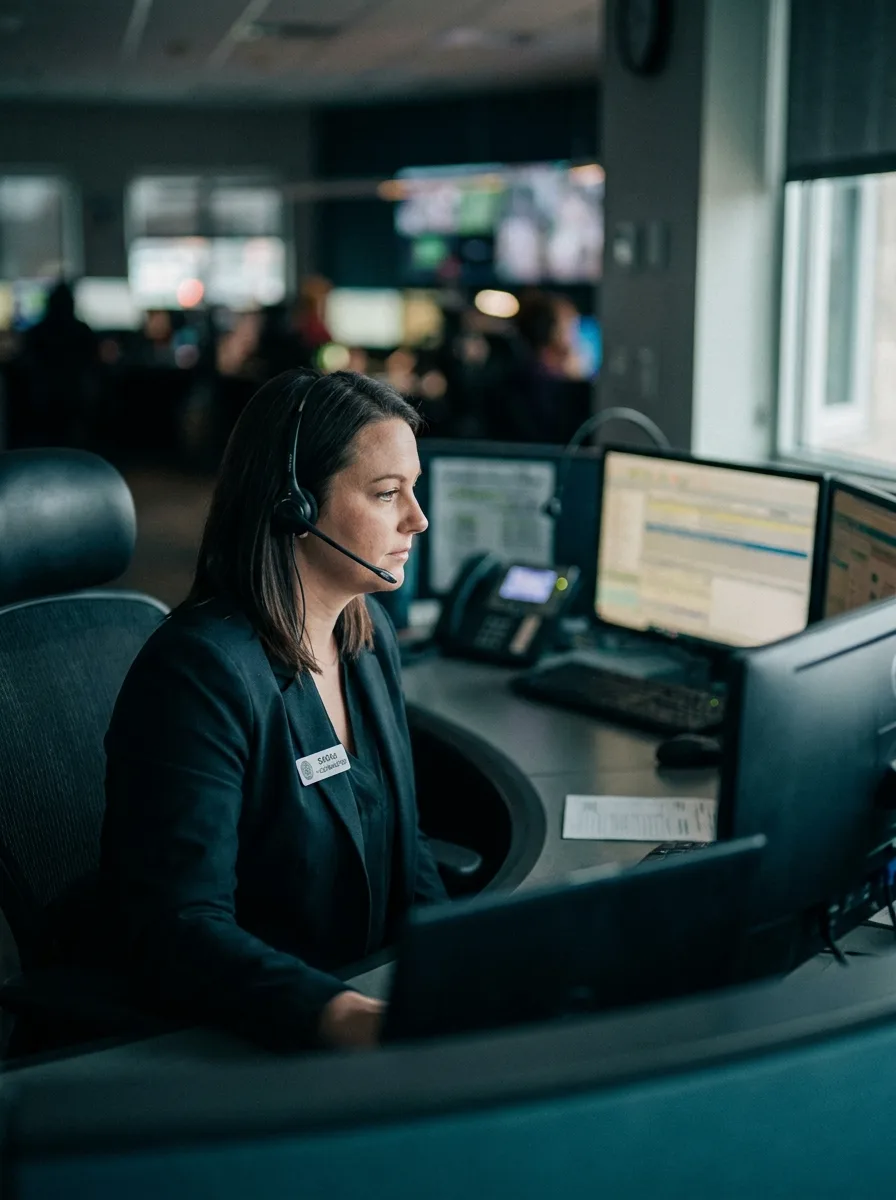
We built AvaritCall so people get good service in a system that wears call-center agents down. We put AI beside people, not in their place.
Answers work-order and field status.
Answers work-order and dispatch status queries from the system in real time.
Prioritizes urgent requests; identifies the nearest/best team.
Sends work-order card, address and instructions via WhatsApp.
Answers customer/HQ queries; gives ETA and status.
Escalates unresolved or authority-required cases to the coordinator.
Summarizes the call; work-order status and urgency hit the dashboard.
Dispatches work orders, collects field status.
Relays new work orders, address and instruction changes to the field team by voice; collects status on completion; cuts delays and error rate.
Relays new work orders, address and special instructions to the field team by voice.
Calls the crew on completion; collects done/issue status.
Sends work-order card, route and instructions via WhatsApp.
Proactively notifies dispatch changes to the relevant team.
Detects delayed/stuck jobs; raises an alert to the coordinator.
Summarizes the call; field status and action hit the dashboard.
Before you start, clarify your data workflow.
Agree on notice, access and retention requirements for the pilot with your organization; review data processing scope in the privacy and KVKK notices.
Use an industry template as a starting point and configure the information and conversation workflow for your business.
Call from your own number, hear the real conversation, fine-tune.
Connect your number or get a new one; the agent answers 24/7.
Track calls, transcripts and metrics from the dashboard and keep improving.
Frequently asked questions
Try voice AI built for your sector today.
Configure your assistant in the dashboard and test it with your own call workflow. Start with USD 5 signup trial credit and pay-as-you-go pricing.