AvaritCall · Editorial team
AvaritCall: a voice AI phone assistant for businesses
Explore AvaritCall for reception, support and appointment calls. See how language support, workflow connections and usage pricing fit your business.
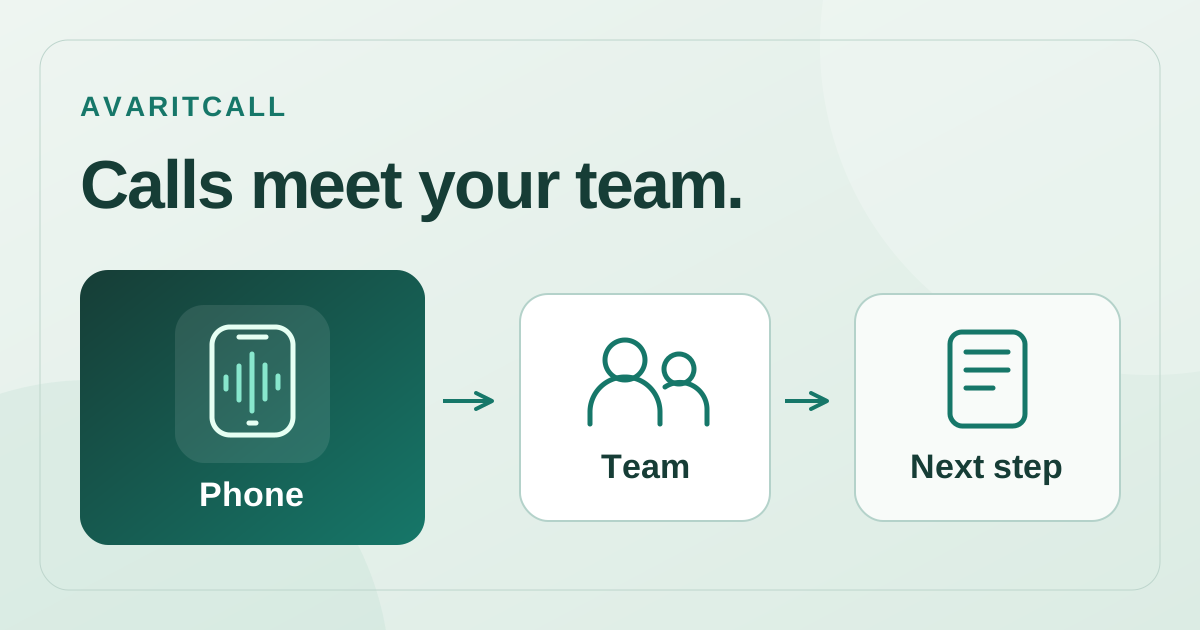
We build AvaritCall to connect a phone conversation with the business work that follows. Welcoming an inbound caller, understanding an appointment request or collecting initial sales information all lead toward a next step the team can use. The dashboard, transcripts and system connections belong to this approach. [2] This is our own product perspective on why AvaritCall deserves consideration by businesses looking for a voice AI phone assistant.
A clear next step from each phone task
A well-defined phone task makes the assistant’s value visible in everyday work. Giving an address at reception, explaining current information on a support line and collecting service and time preferences for an appointment are different jobs. [2] AvaritCall’s configurable workflow lets a business approach those jobs in its own language. As the caller describes the request, the issue the team should handle next becomes clearer, too.
| Phone task | Information to prepare | Next step |
|---|---|---|
| Reception | Opening hours, address, teams | Message or suitable staff handoff |
| Customer support | Current answers and their limits | Answer or team review |
| Appointment request | Service, preferred date, contact | Availability check and confirmation |
Consider an appointment-based business. A caller asks for a Thursday afternoon checkup, then explains that Friday would work better. In this illustrative example, a useful outcome includes the service request, the final time preference and what staff must confirm next. Calendar confirmation depends on the selected connection and approval workflow. The caller’s intention and the staff member’s task can therefore be considered together, rather than leaving the team with a vague message.
Connect the conversation to CRM and calendar work
A phone conversation becomes more useful when its information supports the next task. AvaritCall offers CRM and calendar connections alongside REST API and webhook access. [2] That means your product evaluation can include where a summary or appointment detail should go, as well as how the assistant sounds. Confirm the connection and fields required for your existing system at the beginning.
We consider this connection important because a business phone call often begins a task. A name, the request and the responsible team become useful when placed in the right workflow. A customer may describe the same issue differently to sales, support and reception; the company’s chosen process determines where it belongs. Looking at the conversation and the work that follows together makes it easier to see how AvaritCall could fit your operating routine.
Turkish focus with room for multilingual callers
AvaritCall is optimized for Turkish and supports conversations in more than 70 languages. [7] Those two strengths are useful together for businesses serving Turkish-speaking customers while also receiving international enquiries. A hotel can account for a guest’s preferred language, while a service business can consider dates and locations requested by a caller from abroad. Voice options and performance vary by language; evaluating actual service names and the ways your customers speak makes language support concrete for your business.
Plan usage alongside your business volume
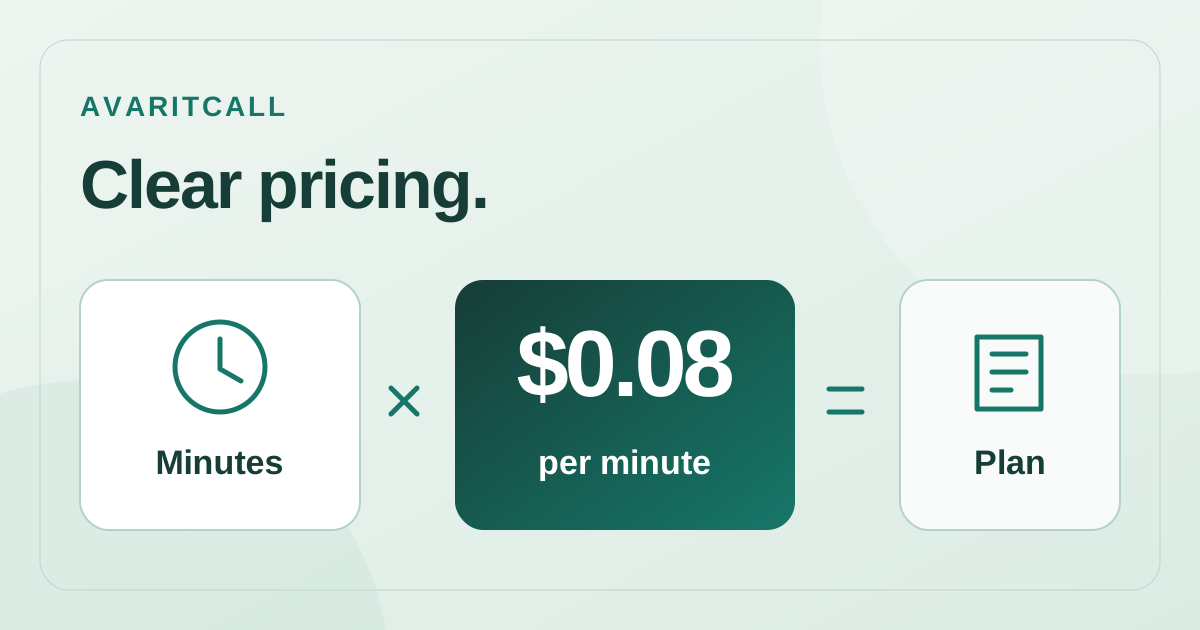
AvaritCall publishes a rate of USD 0.08 per talk minute, including STT, LLM and TTS. [6] These three items share one rate, so monthly talk minutes provide a clear starting point for a budget. Review optional reports and voice generation, applicable tax and phone/number scope separately on the pricing page.
The number of simultaneous calls at a busy time is a different requirement from total monthly minutes. Concurrent call capacity depends on the plan. [7] Making that distinction early helps you discuss an appropriate scope. Describe both everyday usage and peak periods, and include the system connections needed for your workflow in the same discussion.
See the conversation and follow-up in one working routine
AvaritCall’s dashboard includes transcripts, call analysis and reporting tools. [7] That visibility lets a team consider how a request was understood after hearing the conversation itself. The person preparing the dialogue and the employee completing the task can ask the same question: what should happen after this call? Comparing a normal request with one that changes midway through a configured assistant’s conversation connects the voice experience with the way the business actually works.
- Inbound and outbound workflows prepared in your business’s language.
- CRM, calendar, API and webhook options connected with follow-up work.
- A Turkish focus alongside conversation support for 70+ languages.
- One published talk-minute rate including STT, LLM and TTS.
For us, AvaritCall’s strength is bringing voice, information and the work after a phone call into one product experience. Explore the solutions examples for your business task, hear the currently available live-demo scenarios and continue with your configured assistant. That starting point gives a team a concrete way to connect a voice AI phone assistant with its own daily work.
- [1]AvaritCall — ürün özellikleri ve kullanım alanları — AvaritCall (accessed: 2026-10-02)
- [2]AvaritCall — product features and use cases — AvaritCall (accessed: 2026-10-02)
- [3]AvaritCall — Produktfunktionen und Einsatzbereiche — AvaritCall (accessed: 2026-10-02)
- [4]AvaritCall — pricing (tr) — AvaritCall (accessed: 2026-10-02)
- [5]AvaritCall — ai-info (tr) — AvaritCall (accessed: 2026-10-02)
- [6]AvaritCall — pricing (en) — AvaritCall (accessed: 2026-10-02)
- [7]AvaritCall — ai-info (en) — AvaritCall (accessed: 2026-10-02)
- [8]AvaritCall — pricing (de) — AvaritCall (accessed: 2026-10-02)
- [9]AvaritCall — ai-info (de) — AvaritCall (accessed: 2026-10-02)