AvaritCall · Editorial team
SIP 403, 408, 486 and 503: investigating call failures
A SIP response classifies a failure but does not establish its root cause. Investigate 403, 408, 486 and 503 with call traces, timing, Retry-After and documented provider limits.
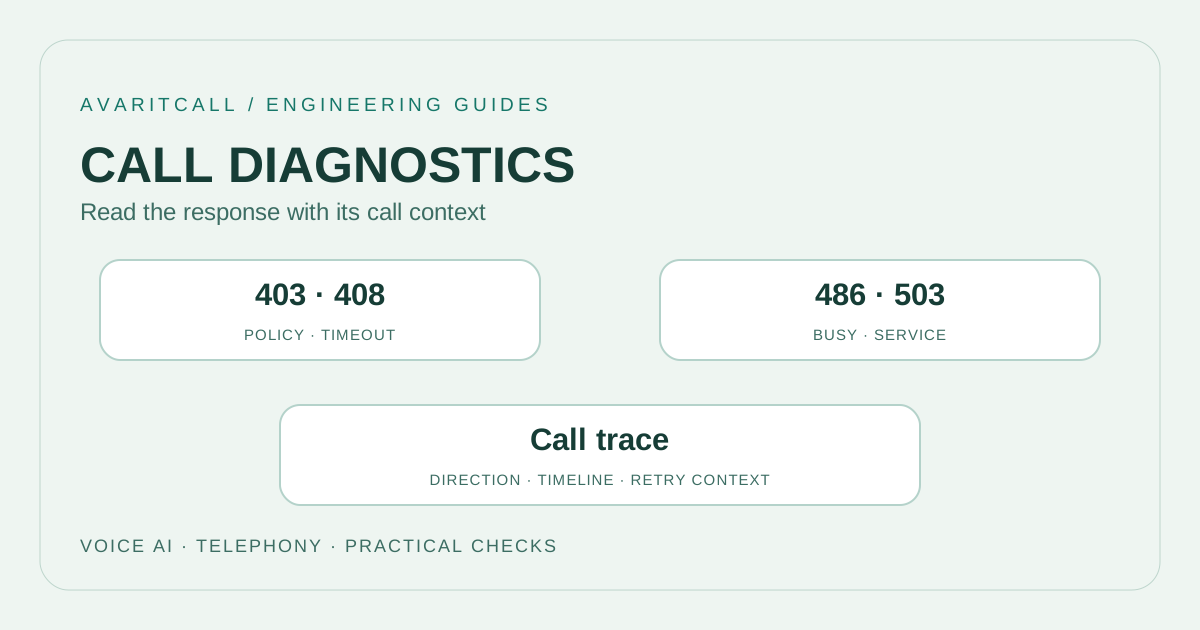
When SIP 403, 408, 486 or 503 appears, first identify the call leg and transaction that produced the response. The code is a starting point; a detailed cause needs the request, response, timeline and explanation from the relevant side. Do not assume one code describes the same configuration fault in every call.
1. Start with the general meaning of four codes
RFC 3261 defines SIP response meanings. [1] The table provides a short classification for beginning an investigation. Identify the response’s origin and the call step being attempted.
| Code | General meaning [1] | First question |
|---|---|---|
| 403 | Request refused | What detailed reason or policy caused refusal? |
| 408 | Request timeout | At which step was the expected response missing? |
| 486 | Endpoint busy | Which endpoint produced the busy response? |
| 503 | Service temporarily unavailable | Does the detail identify a temporary fault or limit? |
Avoid blindly repeating an unchanged request after 403. A 408 alone does not establish that the whole network is unreachable. A 486 does not establish that every destination is busy. A 503 should not trigger one fixed retry interval everywhere. These distinctions keep the investigation connected to the actual call context.
2. Match the call trace to the correct transaction
Keep call identifier, request method and transaction order in the same record. Follow Call-ID for the call context and CSeq for the related request; use Via information for transaction matching when needed. If a PBX establishes separate legs, do not assume the identifiers remain identical. Confirm the mapping from the observed call flow.
Include clock differences when collecting traces at several points. Similar timestamps from different systems may not represent simultaneous observations. Establish event order before comparing durations. Check whether an apparently missing response appears at another capture point. Mark a timeout generated by a local application separately from a 408 received on the network. A shared user facing message can conceal those two situations and send the investigation toward the wrong boundary.
3. Read 503 with Retry-After and provider limits
With Retry-After in a 503, RFC 3261 recommends avoiding new requests to that server for the stated interval; without it, processing follows 500. [1] Inspect retry decisions against the complete response and the actual client behavior. Avoid turning one server’s wait into an automatic rule for every other destination.
Twilio’s published troubleshooting guide distinguishes call setup rate and concurrent call limits for 503. [2] The practical lesson is to measure new calls per second separately from ongoing calls. Check the service’s current documentation and relevant account limit. Another provider’s example value is not evidence of your capacity.
Immediately stacking more attempts during a failure burst can add load. Keep attempt count, waiting time and the relationship between call and attempt visible. Check that repeated attempts do not initiate duplicate calls to the same user. If an alternative destination is used, record its result separately. A changed error code does not by itself establish task completion, and a successful retry should remain linked to its original failed attempt.
4. Investigate a busy reception test
In an illustrative reception test, calls establish during a quiet period but some return 503 during a short startup burst. Group failed calls by the same interval. Record each attempt’s start, ongoing call count, detailed response and any Retry-After value.
The next trial spreads call starts over a longer period without changing the total number of conversations. If failures decrease, retain that as a clue and check the service’s documentation before declaring a specific limit. Choose one variable for another trial. This separates setup intensity from conversational concurrency. Report the observed change, trial count and unexplained calls together. A useful investigation leaves the remaining uncertainty visible instead of assigning every failed attempt the same explanation.
5. Checklist before making a change
- Record the request, detailed response, call leg and observation point alongside the final code.
- Match traces by call context and transaction order, noting differences between clock sources.
- Evaluate local timeouts, received network errors and user interface messages separately.
- For 503, inspect Retry-After and the service’s published limit explanation. Distinguish setup rate from concurrency.
- Change one setting. Document expected outcome, retry scope and reversal step beforehand.
- Select only the fields needed for review. Remove real numbers, credentials and unrelated header content from shared examples.
6. Frequently asked questions
Does 403 always mean a wrong password? The code alone does not establish that cause. Investigate the detailed refusal and the response’s origin. Repeating a trial without changing the relevant conditions adds little explanation.
Does 408 mean the called person did not answer? First determine which transaction timed out. A wait during session establishment and the time a person takes to pick up are different events.
Should 503 always trigger another call? Evaluate response headers, current load, service documentation and duplicate call risk together. Verify that another attempt is a distinct, traceable transaction.
Should 486 cancel every route? Examine the endpoint response in the call flow. Another destination’s status needs its own evidence; one busy response does not describe the entire path.
- [1]RFC 3261: SIP: Session Initiation Protocol, response codes and Retry-After — IETF / RFC Editor, 2002-06 (accessed: 2026-10-01)
- [2]Troubleshooting your Trunk — Twilio (accessed: 2026-10-01)