AvaritCall · Editorial team
SIP, SDP and RTP: from codec negotiation to working audio
A connected call can still have no audio. Follow SIP, SDP and RTP separately to verify accepted formats, payload mappings and the media path in both directions of the conversation.
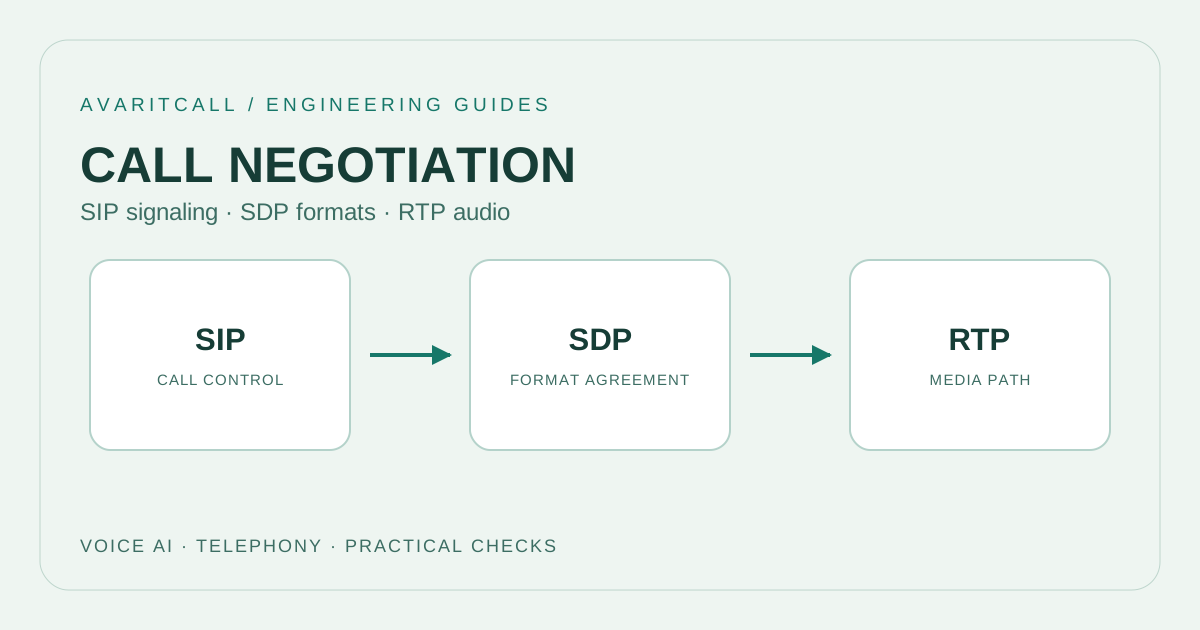
An answered call does not prove that audio works both ways. Check establishment, the agreed media description and speech packets separately. SIP, SDP and RTP answer different questions. Changing a codec name alone can leave the fault location unclear. This workflow connects evidence to corrective action for a connected but silent call.
1. Collect separate evidence for three layers
SIP signals session establishment, modification and termination. [1] SDP describes media; RTP carries audio data. [3][5] Keep these responsibilities separate. Instead of equating an “answered” call record with audible receiver output, ask for observable evidence at each stage. A successful control exchange is only one part of the investigation.
| Layer | Main question | Evidence to inspect |
|---|---|---|
| SIP | Which stage did the call reach? | Timeline of requests and responses |
| SDP | Which media conditions were described? | Comparison of offer, answer and later updates |
| RTP | Does audio data reach the intended receiver? | Packet observations and decoded audio in each direction |
This distinction also improves communication between teams. Replace “the codec fails” with an observation such as “RTP appears on the external leg but not the internal leg”. Identify the capture point supporting the statement: a trace collected elsewhere may answer the same question differently. Describe what the evidence shows before proposing a configuration change.
2. Read the SDP offer and answer together
SDP offer/answer establishes usable formats; without a common format, the media stream is rejected using a zero port. [2] Do not copy only the initial offer’s codec list. Include the answer, direction and subsequent changes. Seeing the first name on a list does not establish that it is the sole format being used at that moment.
An answer can retain multiple accepted formats; verify actual transmission through RTP observations. [2] If a PBX or border controller divides the call into two legs, document each separately. Do not interpret the caller’s list and the AI side’s list as one negotiation. In a fault report, describe current configuration, observed agreement and intended behaviour in separate statements.
3. A payload number is not a codec name
a=rtpmap associates a payload number with an encoding name, clock rate and channels; a=fmtp carries format-specific parameters. [3] Do not select a decoder from a number alone. A tool retaining an earlier call’s mapping can misinterpret a new session. Associate each packet trace with the current SDP for that call, especially when comparing repeated tests.
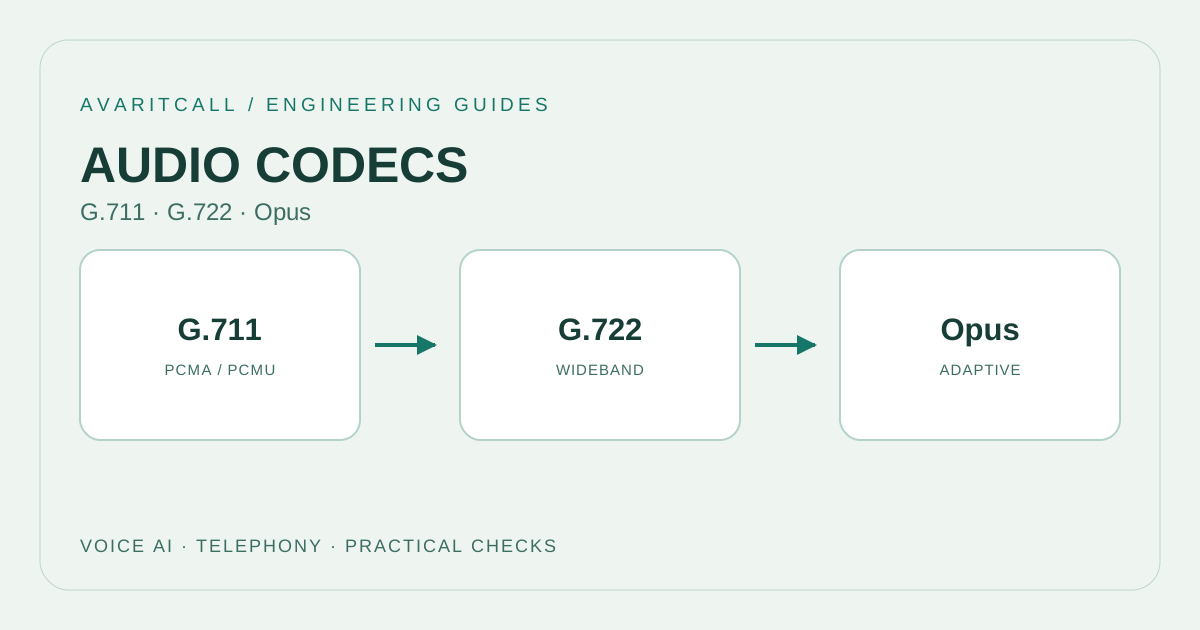
In the default RTP/AVP mapping, 0 means PCMU and 8 means PCMA; dynamic mappings are session-specific. [4] In a hypothetical a=rtpmap:111 opus/48000/2 line, 111 is not a universal Opus identifier for every call. Evaluate fmtp using the relevant codec definition rather than merely asking whether two text strings match. This helps distinguish legs carrying different conditions under an apparently identical codec name.
4. A common codec does not guarantee the media path
NAT or incorrect embedded media addresses can block audio despite successful signalling. [5] Check c= for the connection address and m=audio for the port and format list. [3] Establish the affected direction and locate the last point with packets and the first without. The gap between those observations gives further investigation a concrete boundary.
G722 uses an 8 kHz RTP clock with 16 kHz sampling. [4] Opus uses a 48 kHz RTP clock in every mode. [6] Do not mistake the SDP clock for the application input’s sampling rate. Unlike codec quality comparison, this check verifies interpretation of timing and format through the decoding chain.
5. A hypothetical answered but silent call
In a customer support trial, the call is answered and both legs show compatible formats, but the caller hears silence. The team gathers the offer and answer using the call identifier, then examines the same interval at the external interface, media intermediary and application input. Packets at the external interface do not substitute for evidence at the application input.
If packets fail to reach the application, investigate routing and the media destination before changing decoder settings. If packets arrive but no decoded audio appears, return to mapping and format interpretation. If decoded audio exists, inspect application input selection and output playback. Each result determines the next question. Keep each finding linked to the same call, and avoid mixing evidence from separate trials.
6. Use a checklist for the next trial
- Record the call identifier, affected direction and the moment silence begins.
- Keep the latest offer and answer, including any in-call SDP updates.
- Check each leg’s media destination and payload mapping in its own context.
- Verify packet presence and audible output as separate steps.
- Make one change; write the expected result and reversal step beforehand.
- Test initial connection, return from hold and post-transfer behaviour separately.
Frequently asked questions
If both endpoints display the same codec name, is the connection complete? No. Verify current format conditions, transmitted payload and the media path in each direction. Matching names cannot replace those checks.
Should codec ordering be the first change for silence? Usually, collect evidence first. Locating the stage where packets disappear or audio fails to decode makes the change smaller and its result easier to assess.
- [1]RFC 3261: SIP: Session Initiation Protocol — RFC Editor / IETF, 2002-06 (accessed: 2026-10-01)
- [2]RFC 3264: An Offer/Answer Model with the Session Description Protocol (SDP) — RFC Editor / IETF, 2002-06 (accessed: 2026-10-01)
- [3]RFC 8866: SDP: Session Description Protocol — IETF, 2021-01 (accessed: 2026-10-01)
- [4]RFC 3551: RTP Profile for Audio and Video Conferences with Minimal Control — RFC Editor / IETF, 2003-07 (accessed: 2026-10-01)
- [5]NAT in VoIP — Cisco, 2021-07-16 (accessed: 2026-10-01)
- [6]RFC 7587: RTP Payload Format for the Opus Speech and Audio Codec — RFC Editor / IETF, 2015-06 (accessed: 2026-10-01)