AvaritCall · Editorial team
Two channels and diarization: separating call speakers
Two audio channels do not automatically establish correct speaker separation. Check channel origins, diarization, overlapping speech and the STT input contract together.
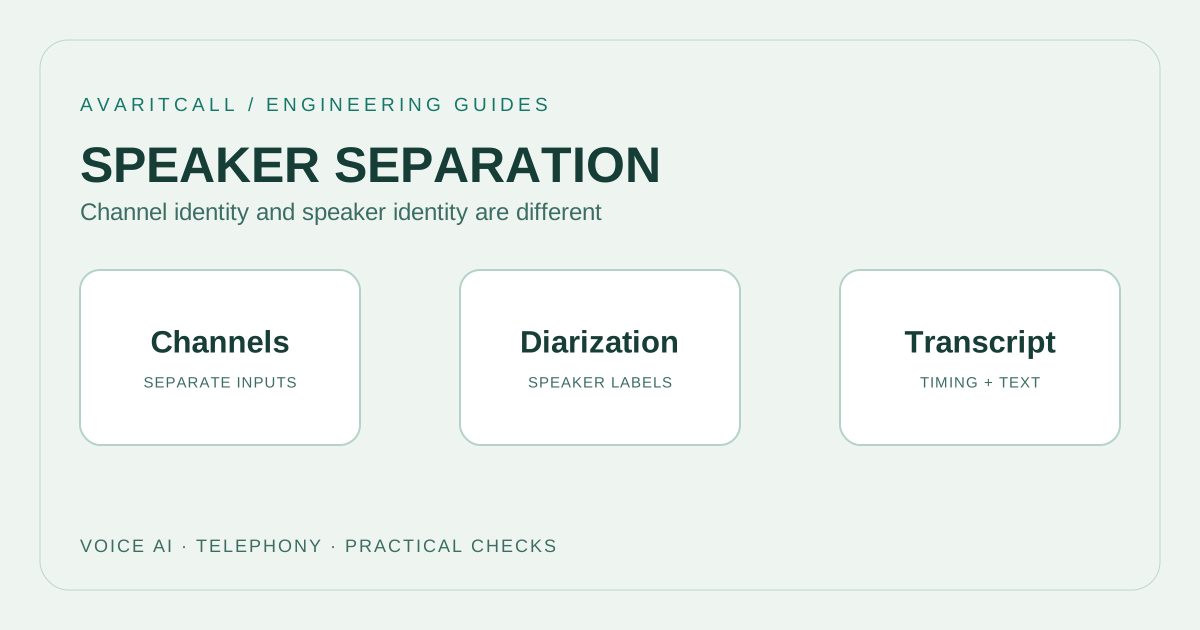
When the two call sides are genuinely captured in separate audio channels, per channel recognition makes their origins easier to track. In one mixed channel, diarization estimates speaker changes from the audio. A stereo label alone does not establish separation. Verify the recording source and channel mapping before evaluating speaker labels in the transcript.
1. Distinguish channel separation from diarization
Google Cloud’s multichannel recognition documentation associates results with channel labels. [1] Its diarization documentation describes detecting speaker changes and labeling speech. [2] These use different information: one follows existing channel boundaries, while the other estimates speaker separation. Listen to the actual recording structure before choosing a method.
| Structure | Available information | Required check |
|---|---|---|
| Separate call sides, two channels | Each channel’s recording origin | Which side it carries and whether audio leaks |
| One mixed channel | Voices share one signal | Speaker labels and overlapping speech |
| Stereo file | Two channel audio layout | Separate speakers or duplicated audio |
| Multiple people on one side | A channel without one person per channel | Track channel and speaker separately |
Two channels in a stereo file do not establish two different people. The same mono recording might have been duplicated. A call side is not a person’s identity either: another employee can speak on the same side after transfer. State what each technical label represents in the report. Clear definitions reduce the chance of assigning a later statement to the wrong person.
2. Define recognition input and output contracts
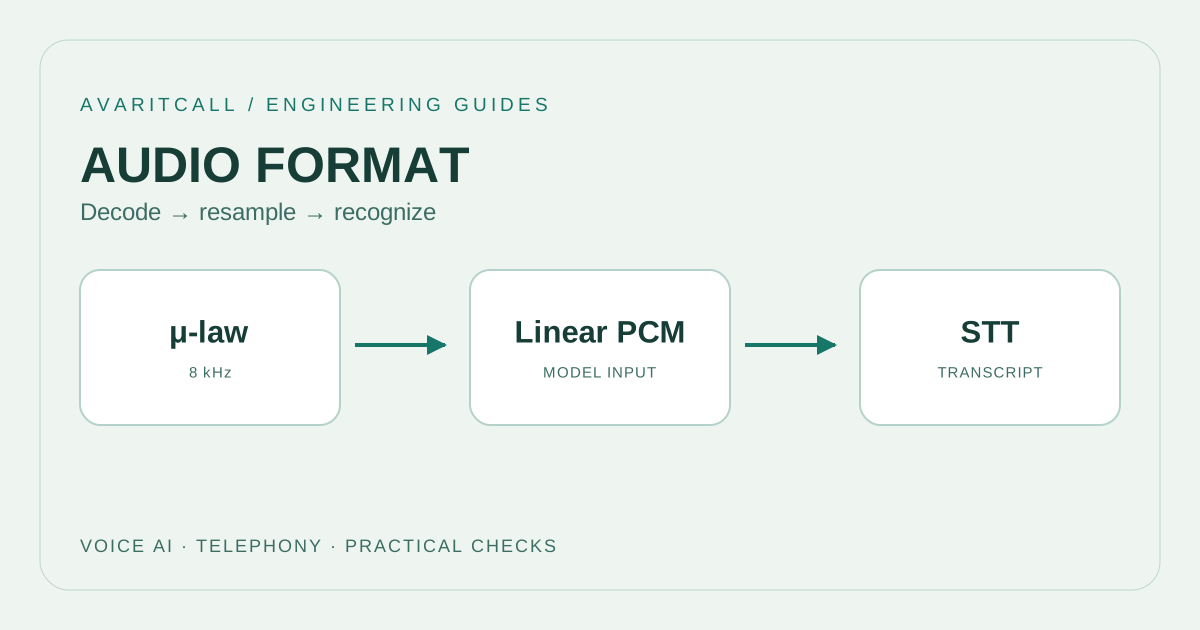
The input contract should describe codec, actual sample rate, channel count and sample layout. Two channels within a file and two independent streams are different packaging choices. Verify the layout expected by the recognition interface. Appending one channel after the other does not establish their correct alignment in time.
Consider separate output fields for channel label, speaker label and call role. A single speaker field can obscure these meanings. In a test example, channel one represents the caller and channel two the other side; document this as an example mapping. Check whether the order remains the same in a new session and what changes on transfer. Avoid using an estimated speaker label as a verified personal name.
3. Test overlap and channel mixing
When two people talk simultaneously, separate source channels can preserve both voices on the timeline. Echo or leakage can nevertheless place one voice in the opposite channel too. Correctly specifying the channel count is insufficient for that recording. Listen to channels independently, then together, to examine repetition and timing shifts.
Writing already mixed audio into a two channel file does not recover the original source separation. If sources exist before mixing, compare from that point. Include short mutual confirmations, sustained overlap and periods when one side is quiet in the test pool. Evaluate word accuracy and speaker attribution separately: a correctly recognized sentence can still be assigned to the wrong speaker. Looking only at overall transcript readability can conceal that problem and allow it into a later summary.
4. Follow a transferred support conversation
In an illustrative support call, a caller first speaks to reception and then to a support employee. Even with two channels, the other side now contains two people over time. Mark the greeting, transfer and new employee’s explanation on a common timeline. Distinguish stable channel mapping from a change of person.
If the earlier employee’s speech appears while the caller waits, check whether it is repeated audio in the recording or an actual utterance. When using diarization, listen to verify the new employee’s label and the caller label’s consistency. In a summary test, check whether each sentence remains associated with the correct call side. This can reveal a recording structure error before it becomes an incorrect assignment of responsibility or an incorrect speaker summary.
5. Recording and evaluation checklist
- Document each channel’s origin, index and mapping to a call role.
- Compare channel count, sample rate and sample layout against the audio actually sent.
- Listen to channels separately and mark duplicated audio, echo, leakage and timing shifts.
- Run the same overlap, long silence and transfer examples through every candidate.
- Keep separate results for word accuracy, speaker attribution and correct role mapping.
- Use only the recording portions and identity independent labels needed for review. Channel separation does not itself anonymize a conversation containing personal information.
6. Frequently asked questions
Is diarization unnecessary with two channels? Channel information can be sufficient when two channels cleanly separate two fixed speakers. Multiple people on one side or a conference can require additional speaker separation. Decide from the actual recording structure.
Does Speaker 1 always mean the same person? Check the recognition output contract for the label’s scope. A number within one result does not establish that the same real person appears in another call.
Does converting mono to stereo solve separation? A new channel layout does not automatically unmix previously combined sources. Verify available sources and actual separation first; changing a file label alone is insufficient evidence of success.
- [1]Transcribe audio with multiple channels — Google Cloud, 2026-09-30 (accessed: 2026-10-01)
- [2]Detect different speakers in an audio recording — Google Cloud, 2026-09-30 (accessed: 2026-10-01)